Gallery

CipherOS, on a
real device.

14 screens, captured as they ship. No mockups, no retouching, no features that only exist on this page.

The system

Updates you can read, a shade that stays out of the way, and a settings app that tells you what you are running.
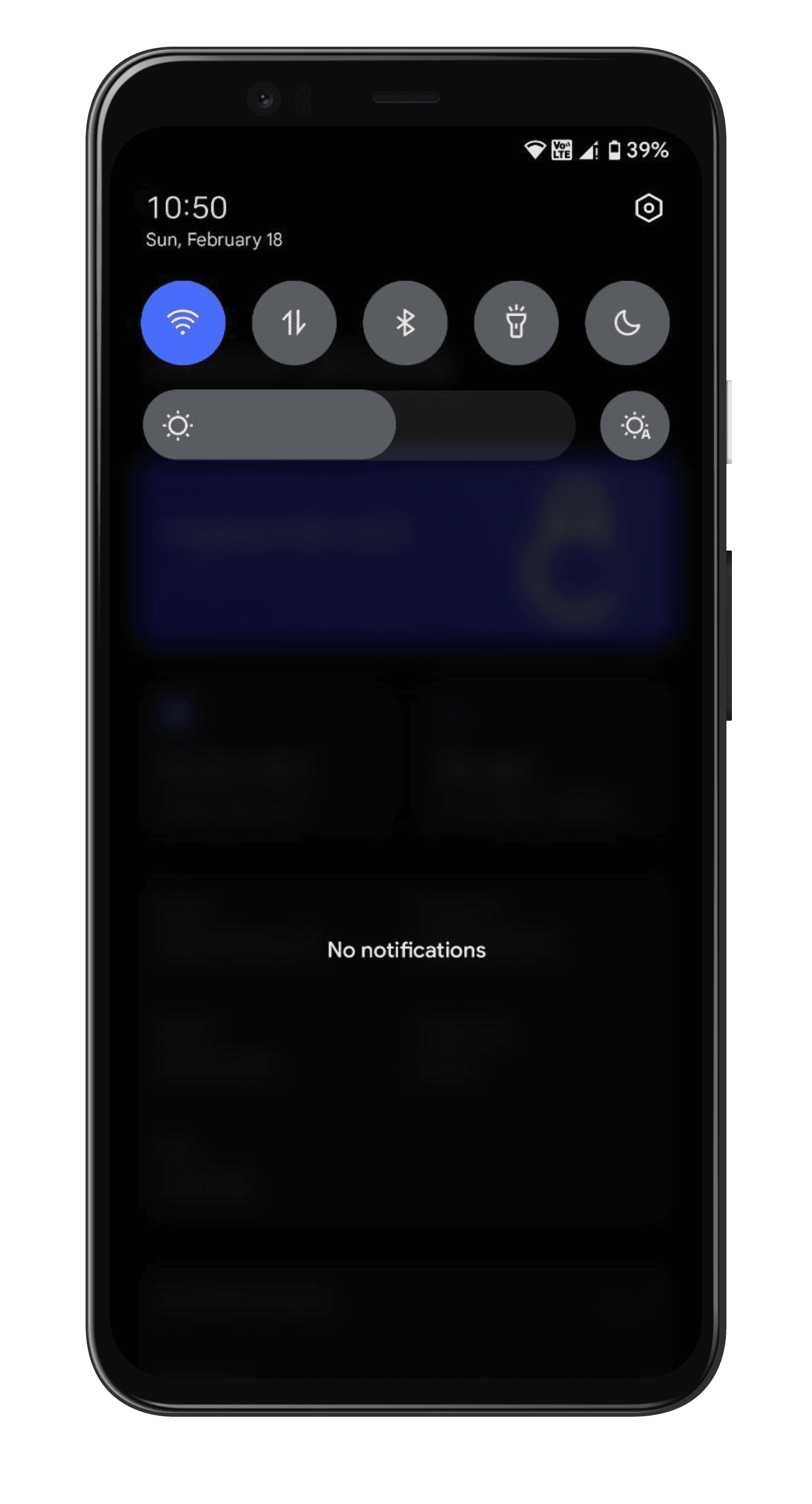
Notification shade. The shade at rest, with quick settings tiles above an empty notification list.
Notification shadeThe shade at rest, with quick settings tiles above an empty notification list.
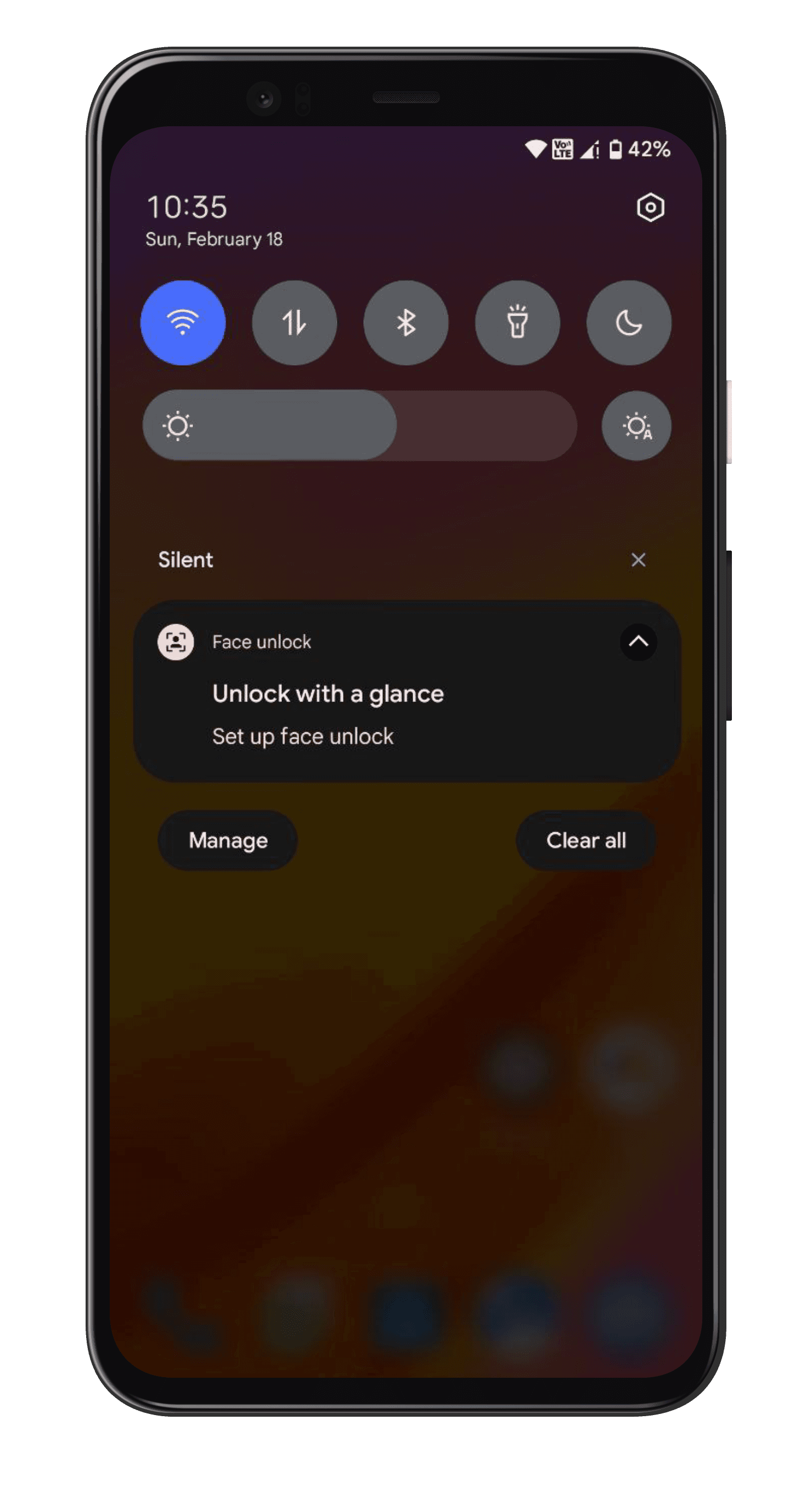
Notifications. A grouped notification expanded in place, with the silent section kept separate.
NotificationsA grouped notification expanded in place, with the silent section kept separate.
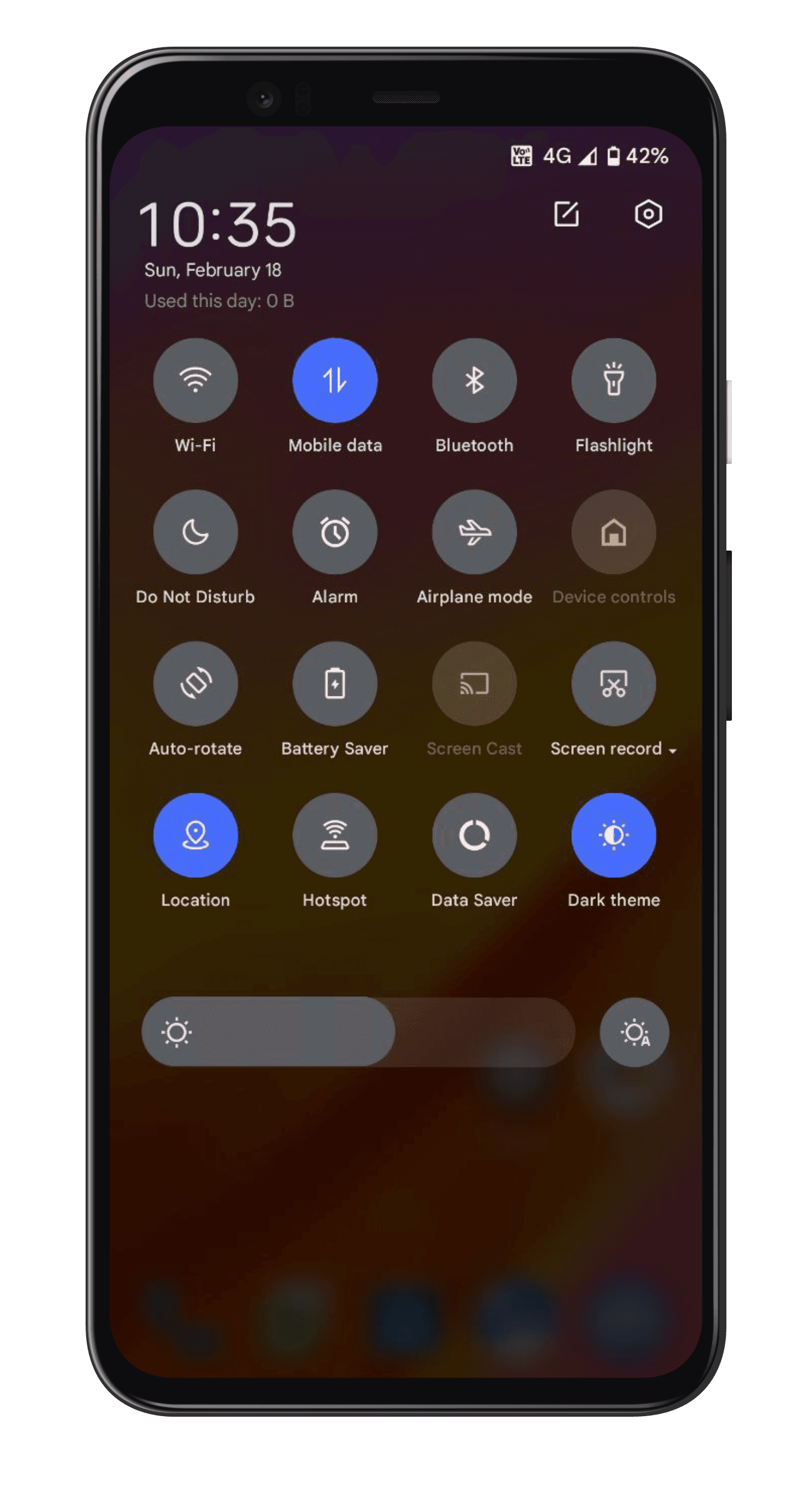
Quick settings. The full tile grid pulled down over the wallpaper, with brightness beneath it.
Quick settingsThe full tile grid pulled down over the wallpaper, with brightness beneath it.
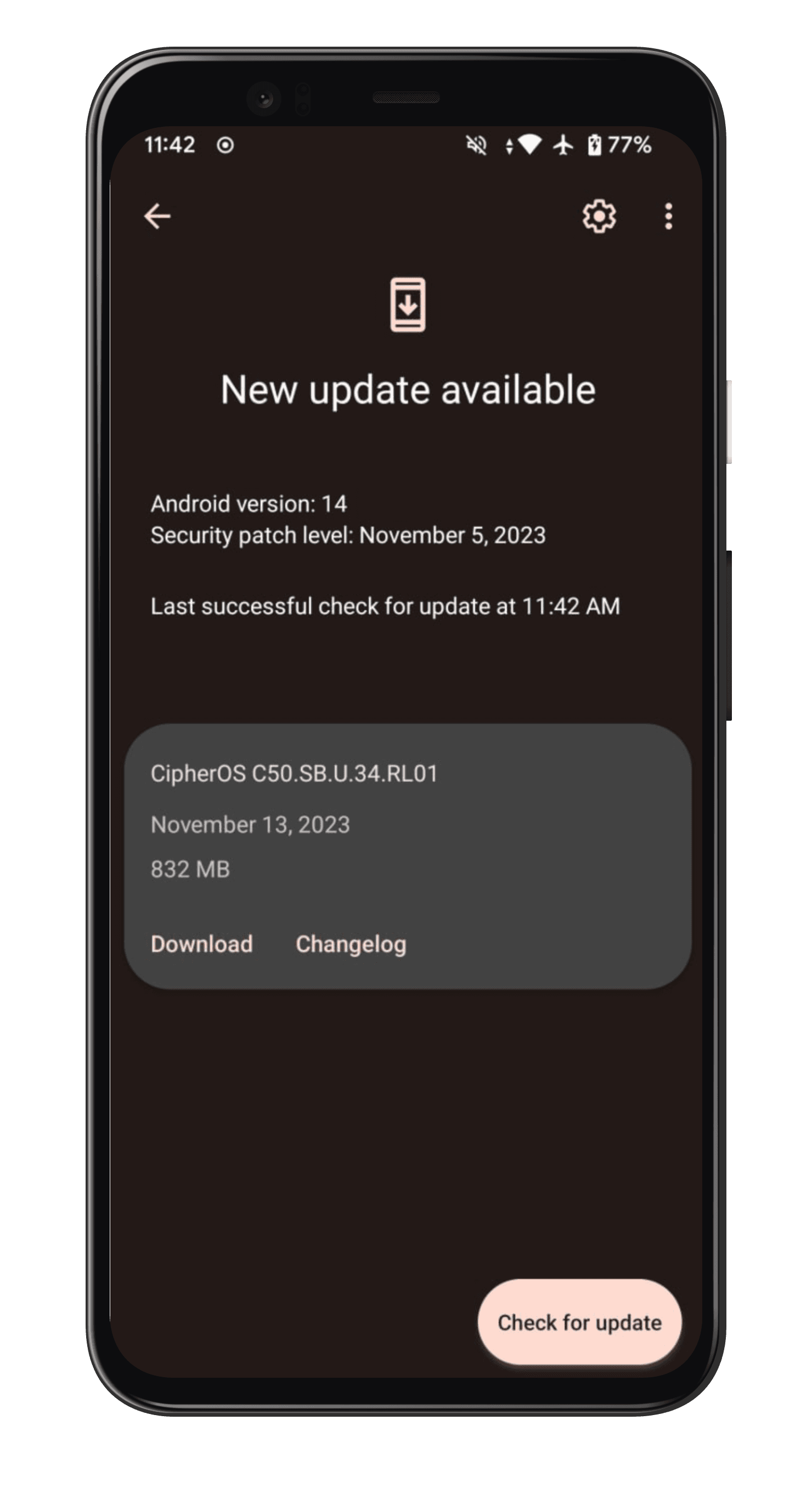
A new build is ready. The updater showing the build number, date and download size before you commit to anything.
A new build is readyThe updater showing the build number, date and download size before you commit to anything.
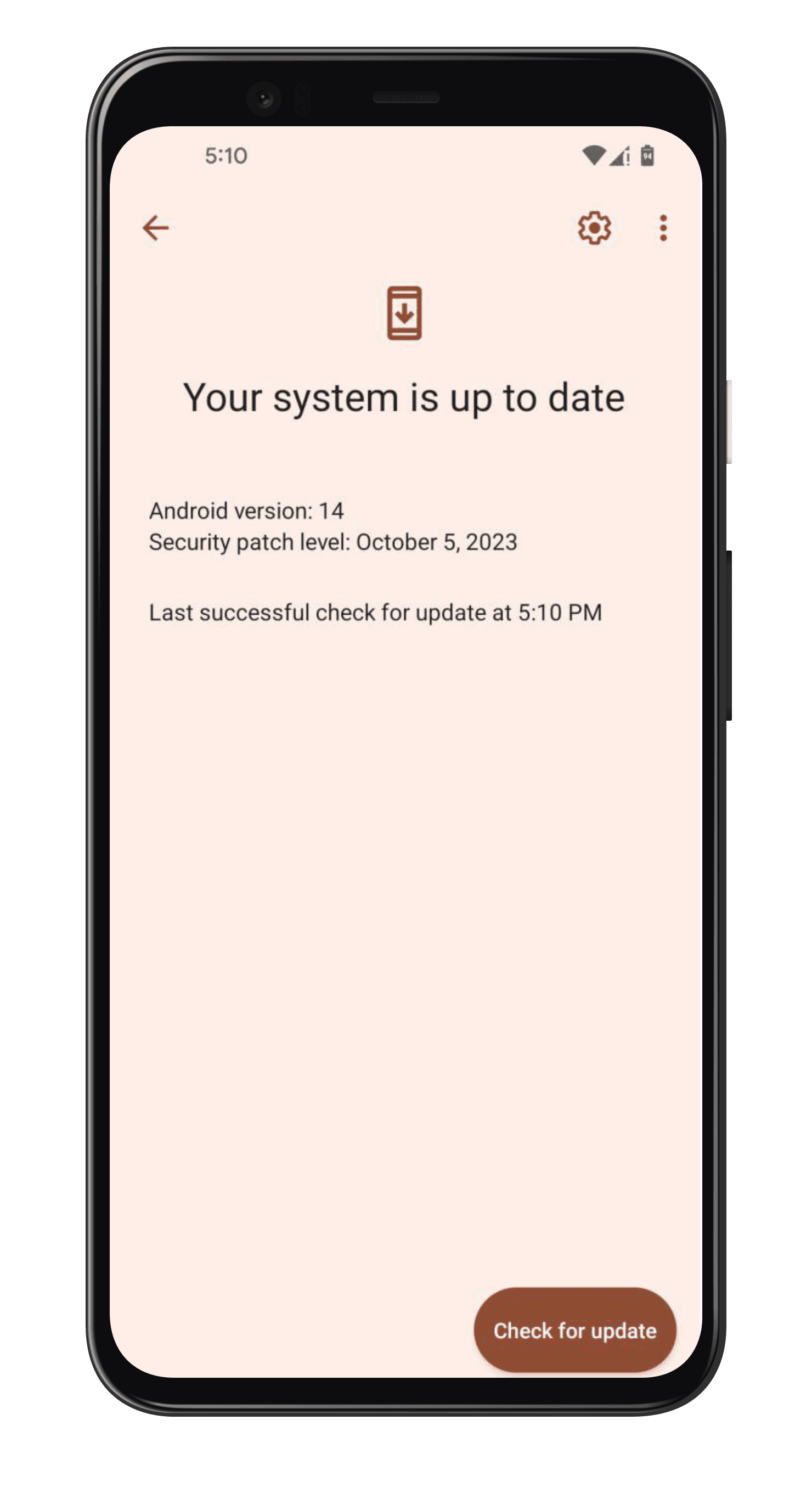
Up to date. The same screen in the light theme, once there is nothing left to install.
Up to dateThe same screen in the light theme, once there is nothing left to install.
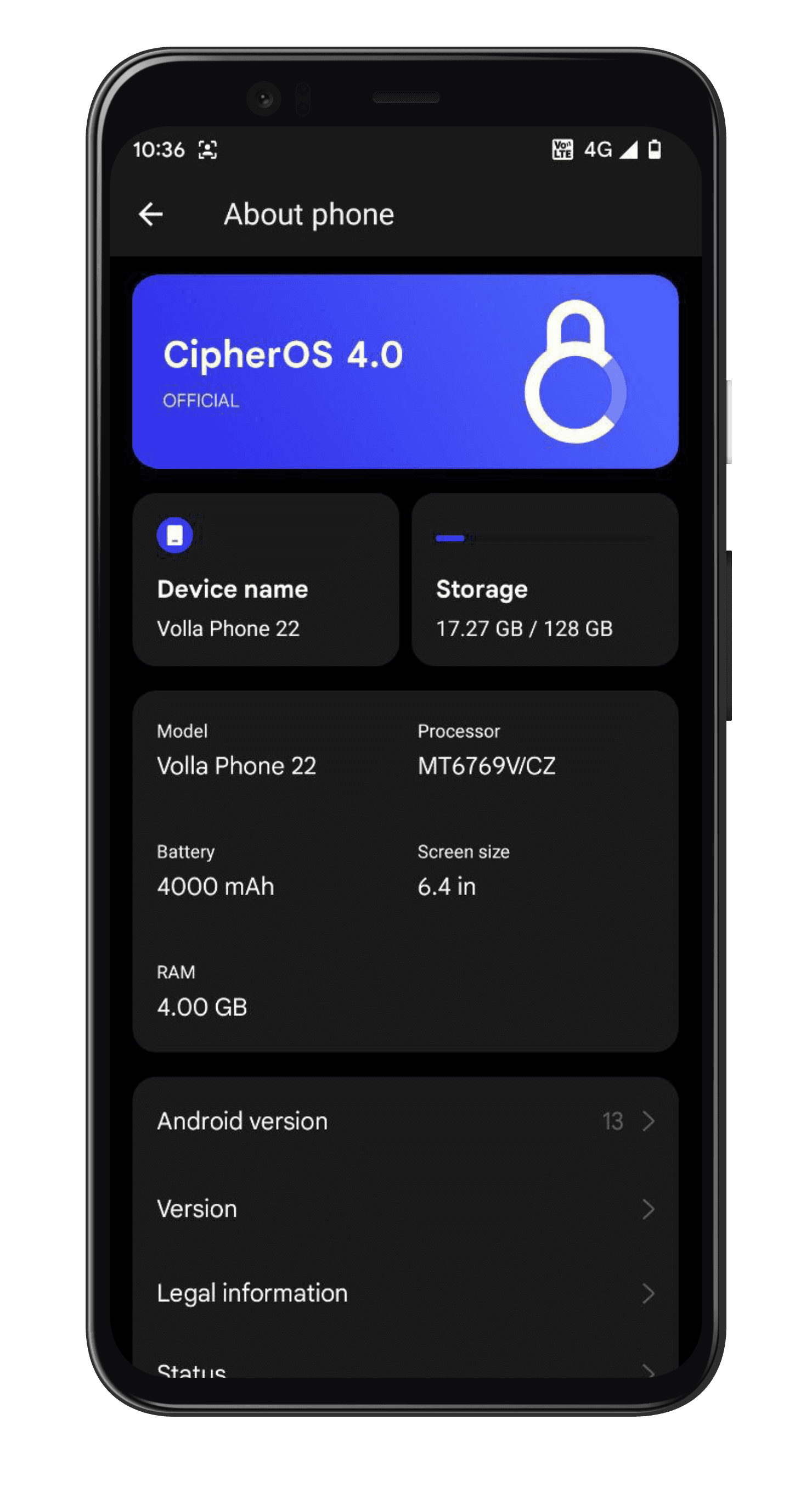
About phone. Device, storage, chipset and battery, all on one screen instead of four.
About phoneDevice, storage, chipset and battery, all on one screen instead of four.

Making it yours

Wallpapers drive the palette, and the controls you reach for most are the ones that got the most attention.
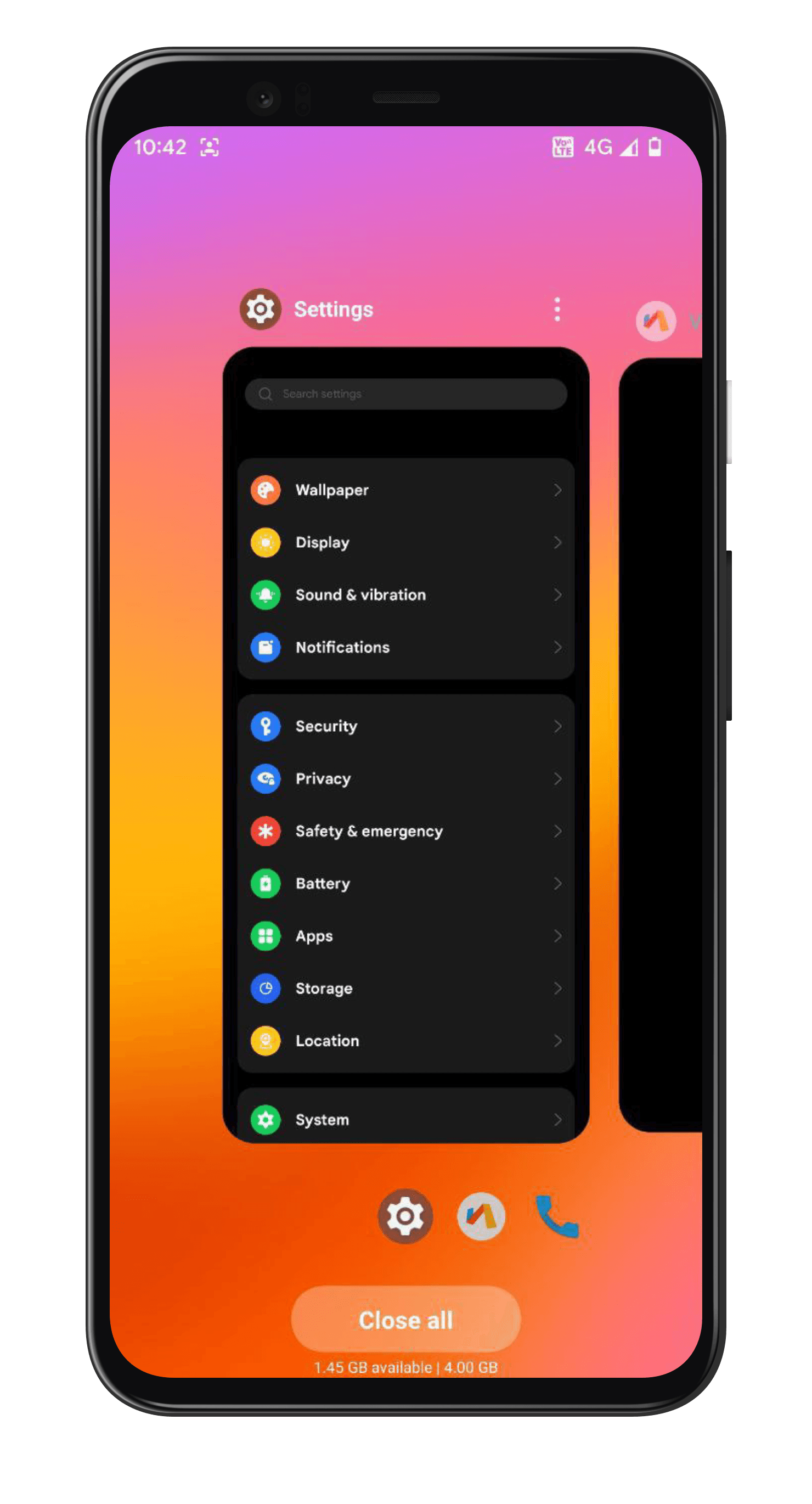
Recents. The app switcher over a vivid wallpaper, with the system tinting itself to match.
RecentsThe app switcher over a vivid wallpaper, with the system tinting itself to match.
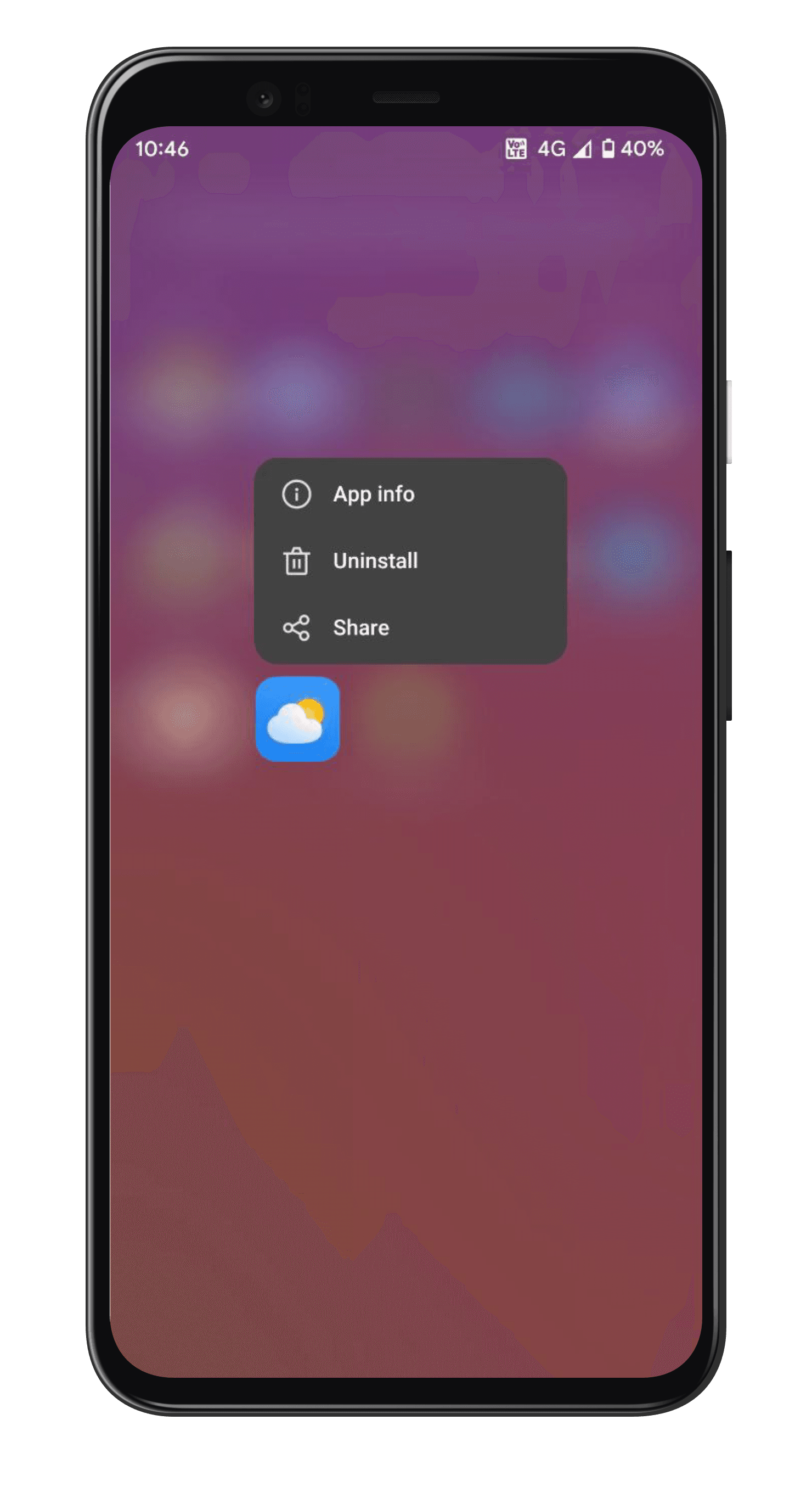
Home screen. Long-press an icon for app info, uninstall and share, without a trip into settings.
Home screenLong-press an icon for app info, uninstall and share, without a trip into settings.
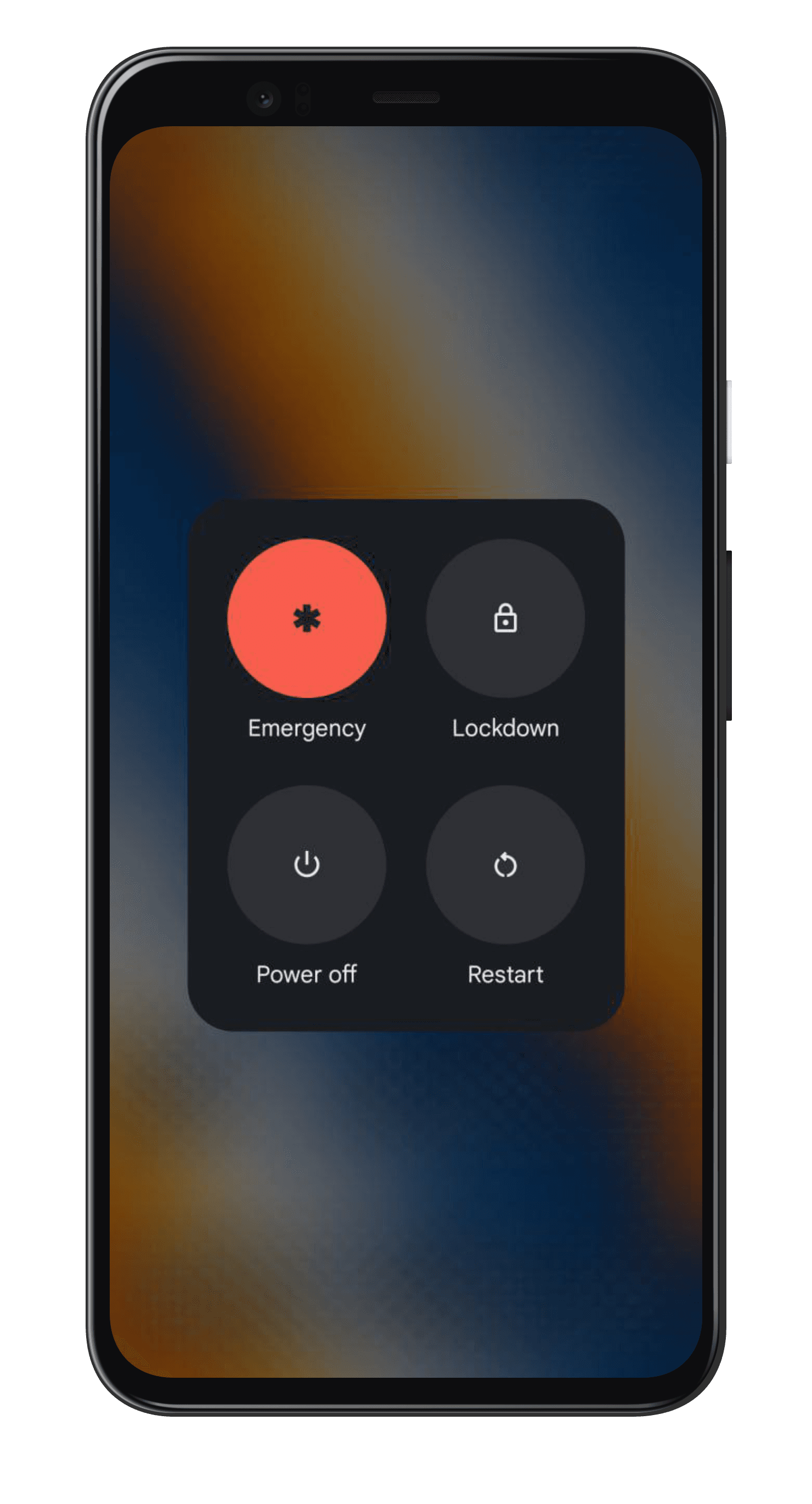
Power menu. Emergency, lockdown, power off and restart, sized for a thumb rather than a cursor.
Power menuEmergency, lockdown, power off and restart, sized for a thumb rather than a cursor.

Security, spelled out

Where a setting affects your privacy, the screen says so plainly instead of burying it in a help article.
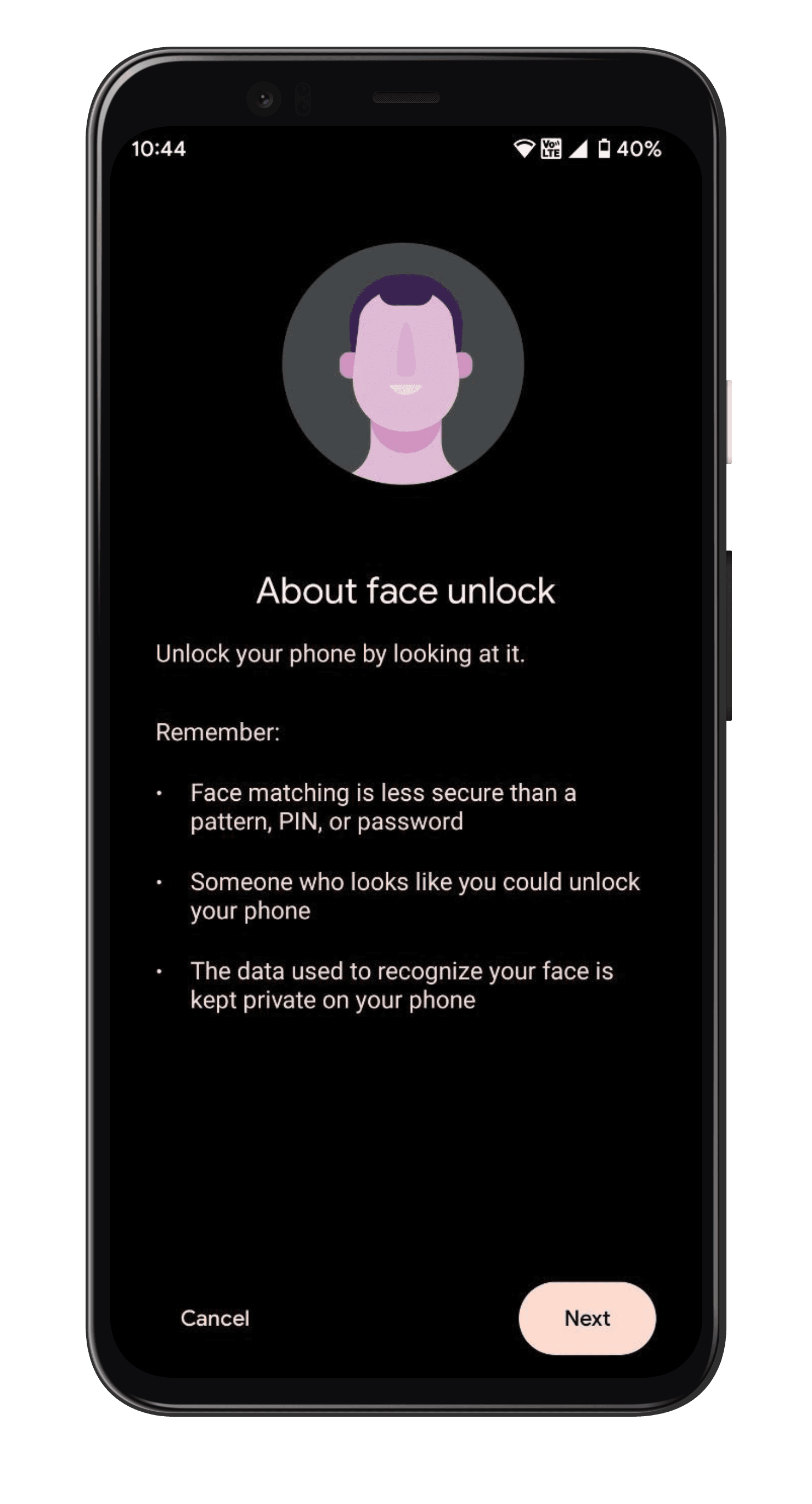
Face unlock. Set-up is explicit that face matching is less secure than a PIN, and that the data stays on the device.
Face unlockSet-up is explicit that face matching is less secure than a PIN, and that the data stays on the device.

The Cipher apps

Dialer, messaging and contacts, built in the same language as the system around them.
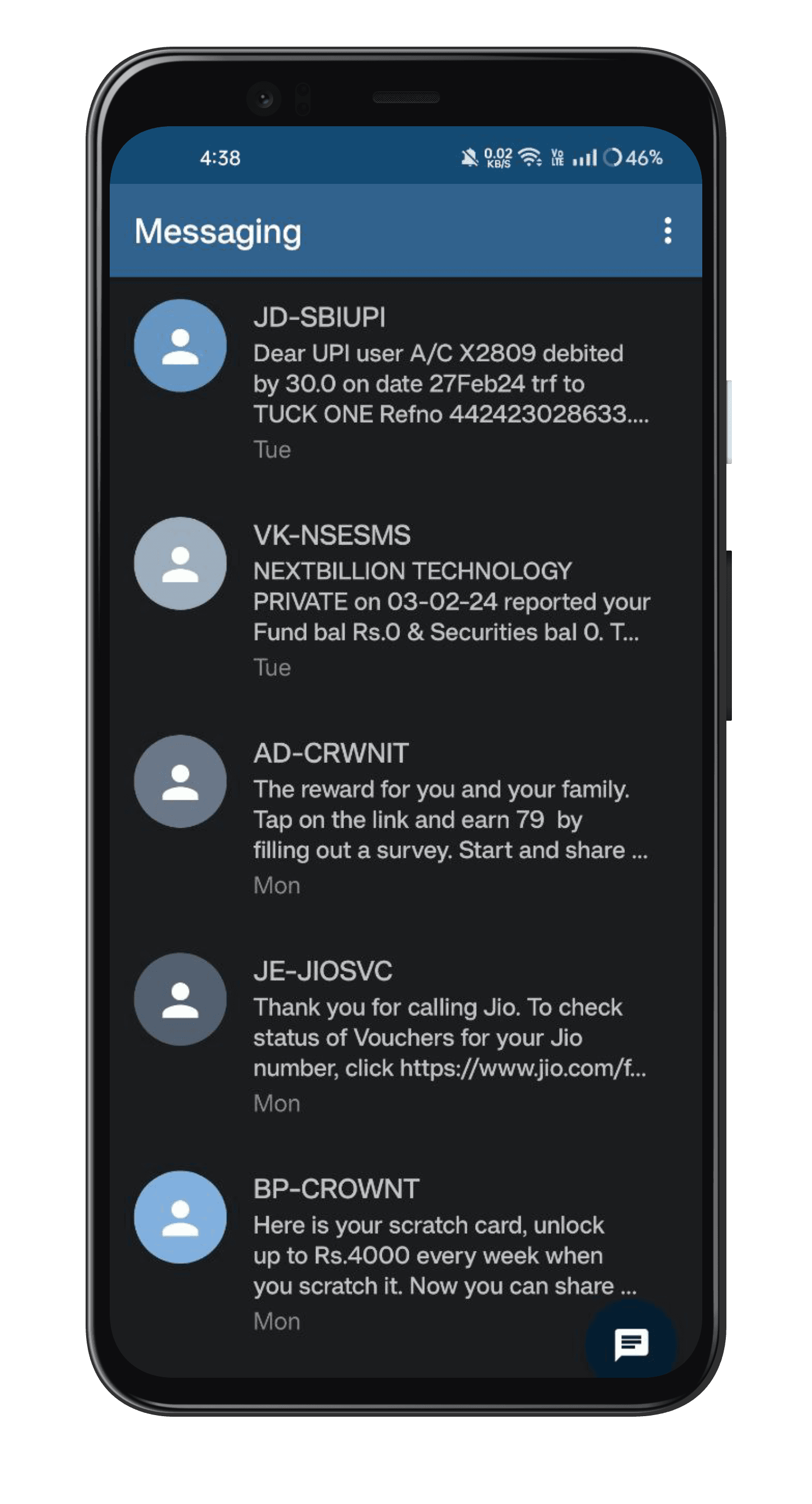
Messaging. The conversation list, dense enough to scan in one pass.
MessagingThe conversation list, dense enough to scan in one pass.
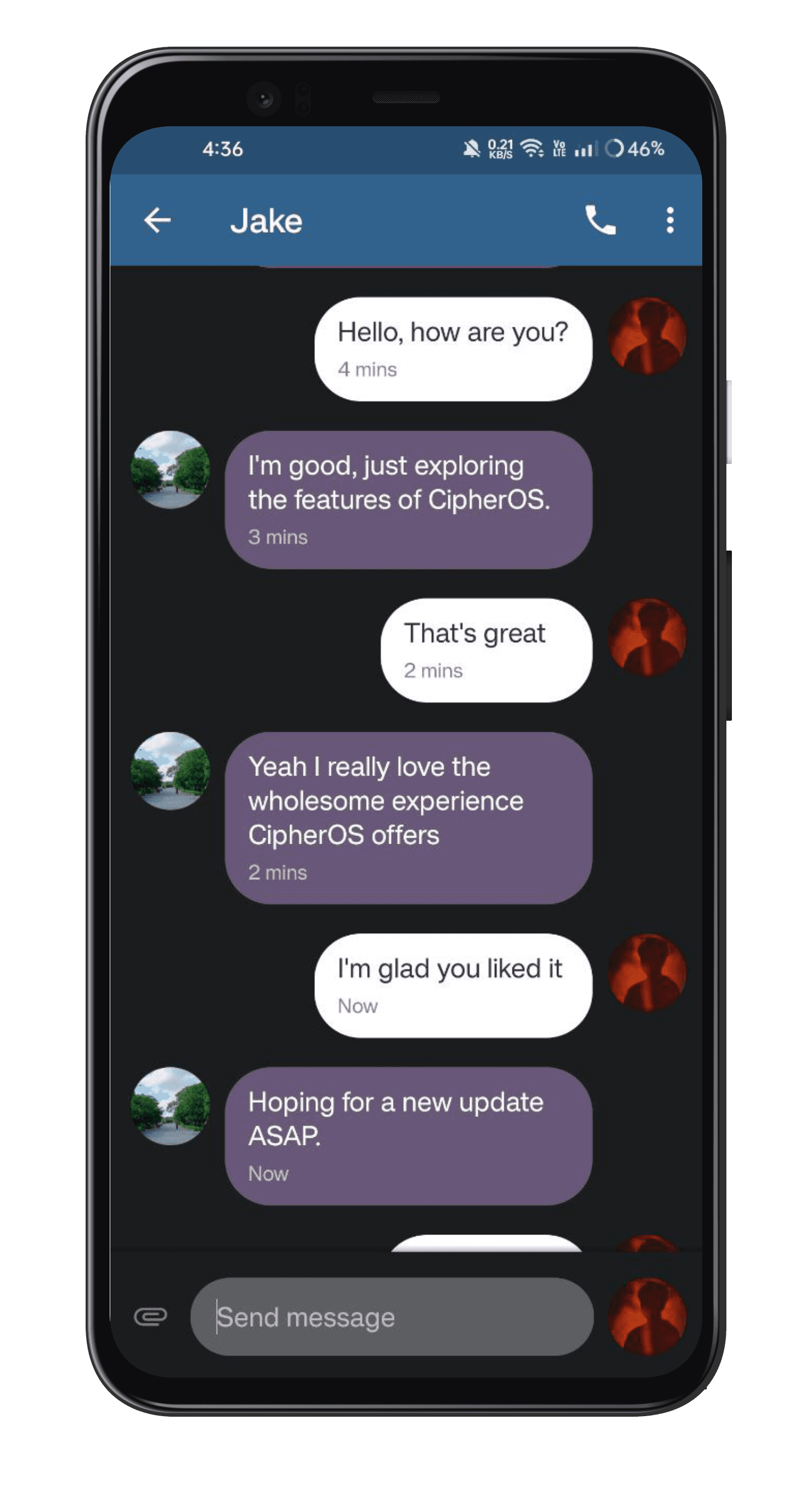
A conversation. Threads with legible bubbles and a compose bar that stays put.
A conversationThreads with legible bubbles and a compose bar that stays put.
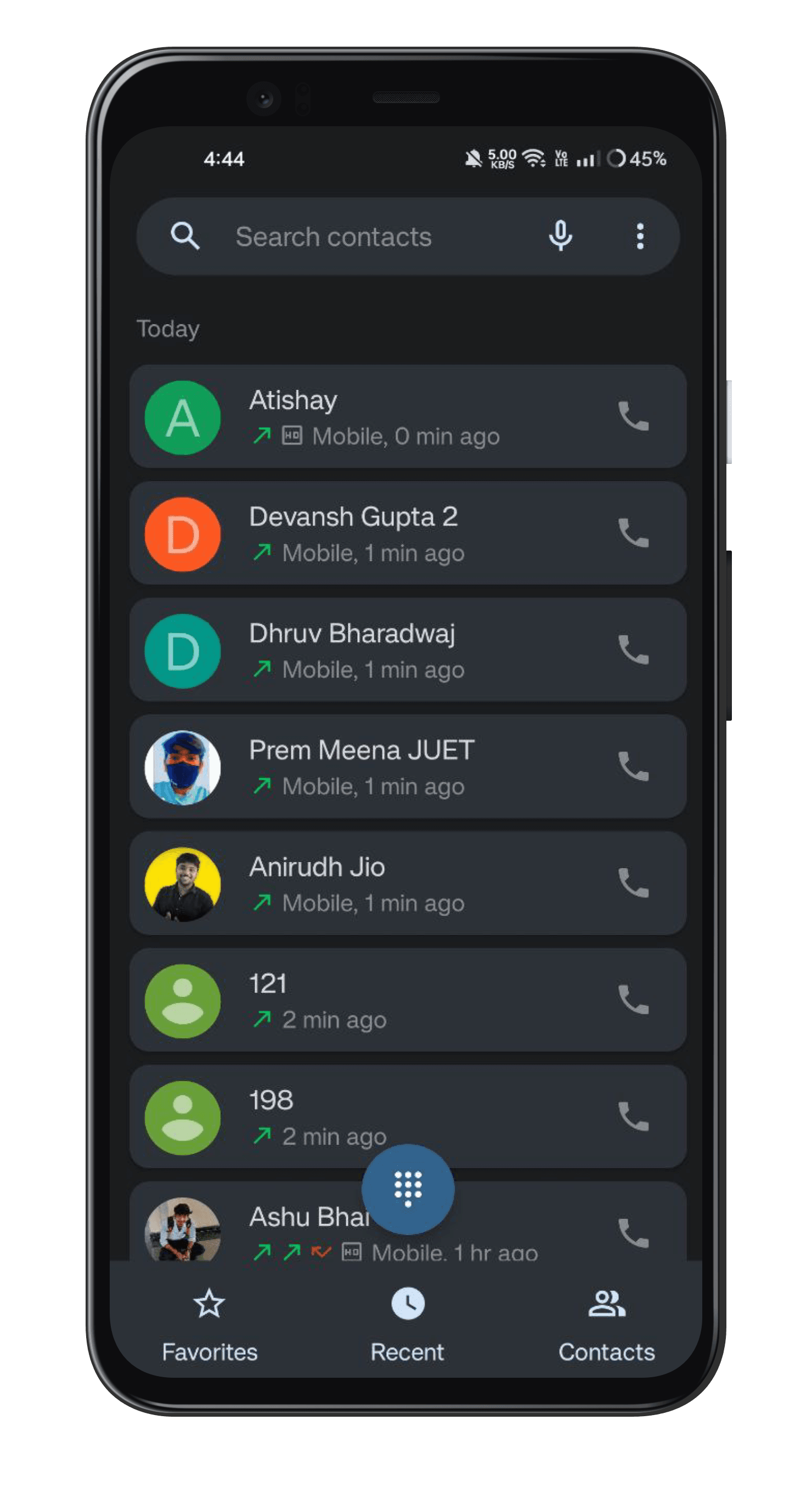
Contacts. Search, favourites and recents, without an account to sign into.
ContactsSearch, favourites and recents, without an account to sign into.
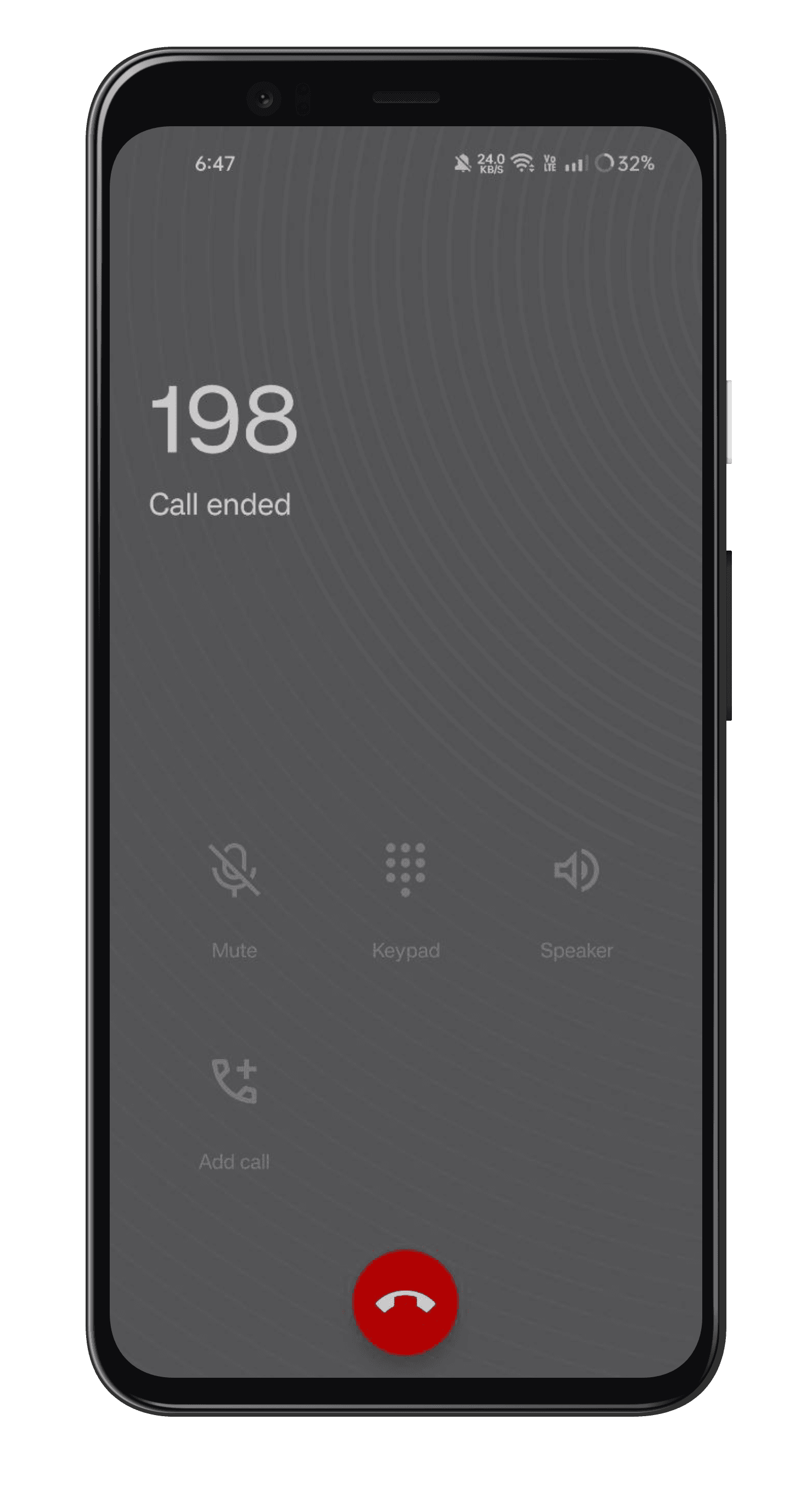
On a call. The in-call screen, reduced to the controls you actually use.
On a callThe in-call screen, reduced to the controls you actually use.

See it on your own phone.

Every screen here runs on a device someone flashed themselves. Check whether yours is supported, then follow the install guide.