Powered by CipherOS
CometOS,
Linux at its
most beautiful.
Seamless Aqua glass. A system tuned to stay quick. And nothing watching you.
Available now for x86_64. Raspberry Pi and ARM64 coming soon.
Design
Seamless Aqua,
on your desktop.
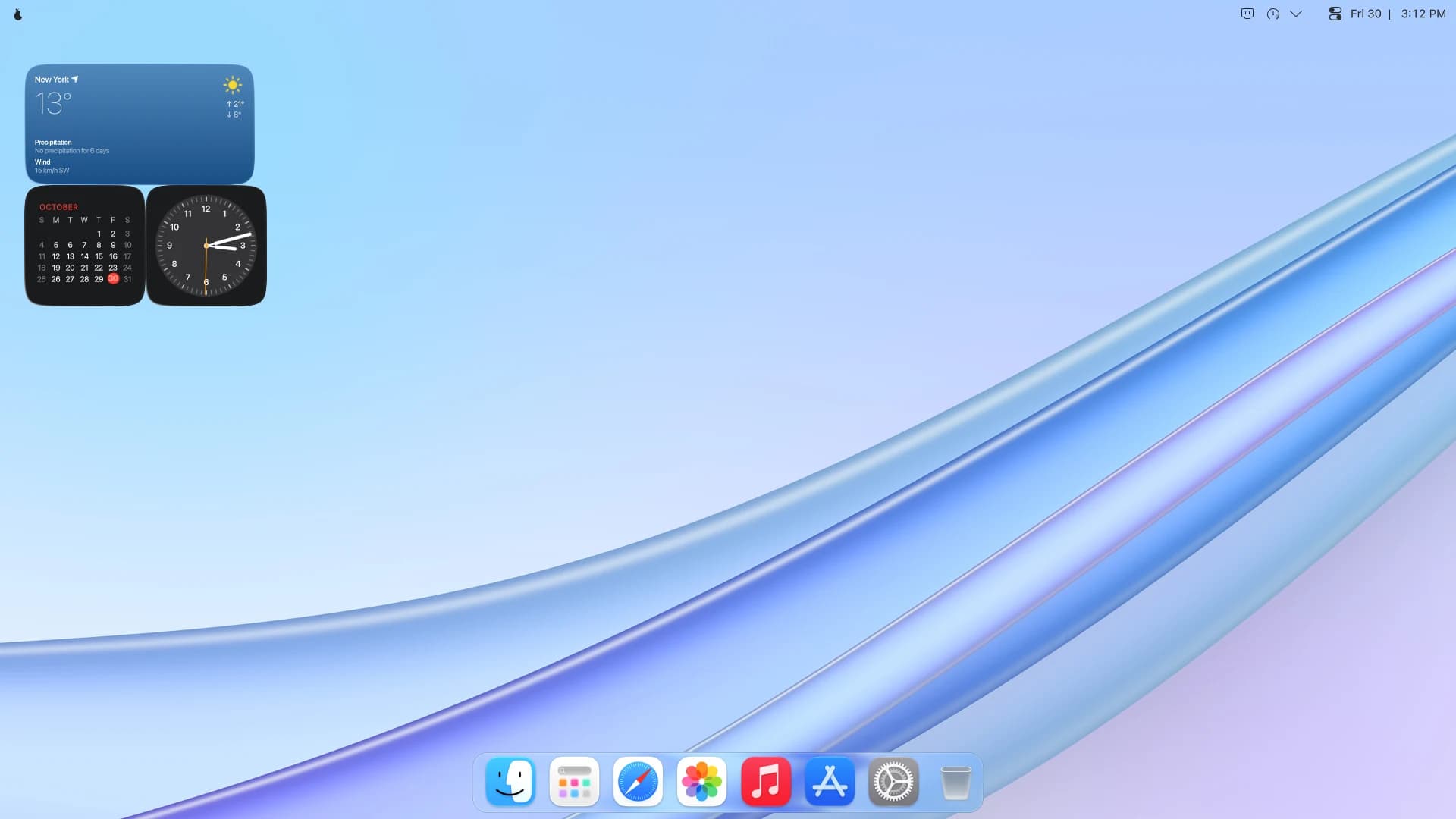
The design language of CipherOS, now on a computer. Real glass behind every window, menu and the Dock, and soft corners on all of them.
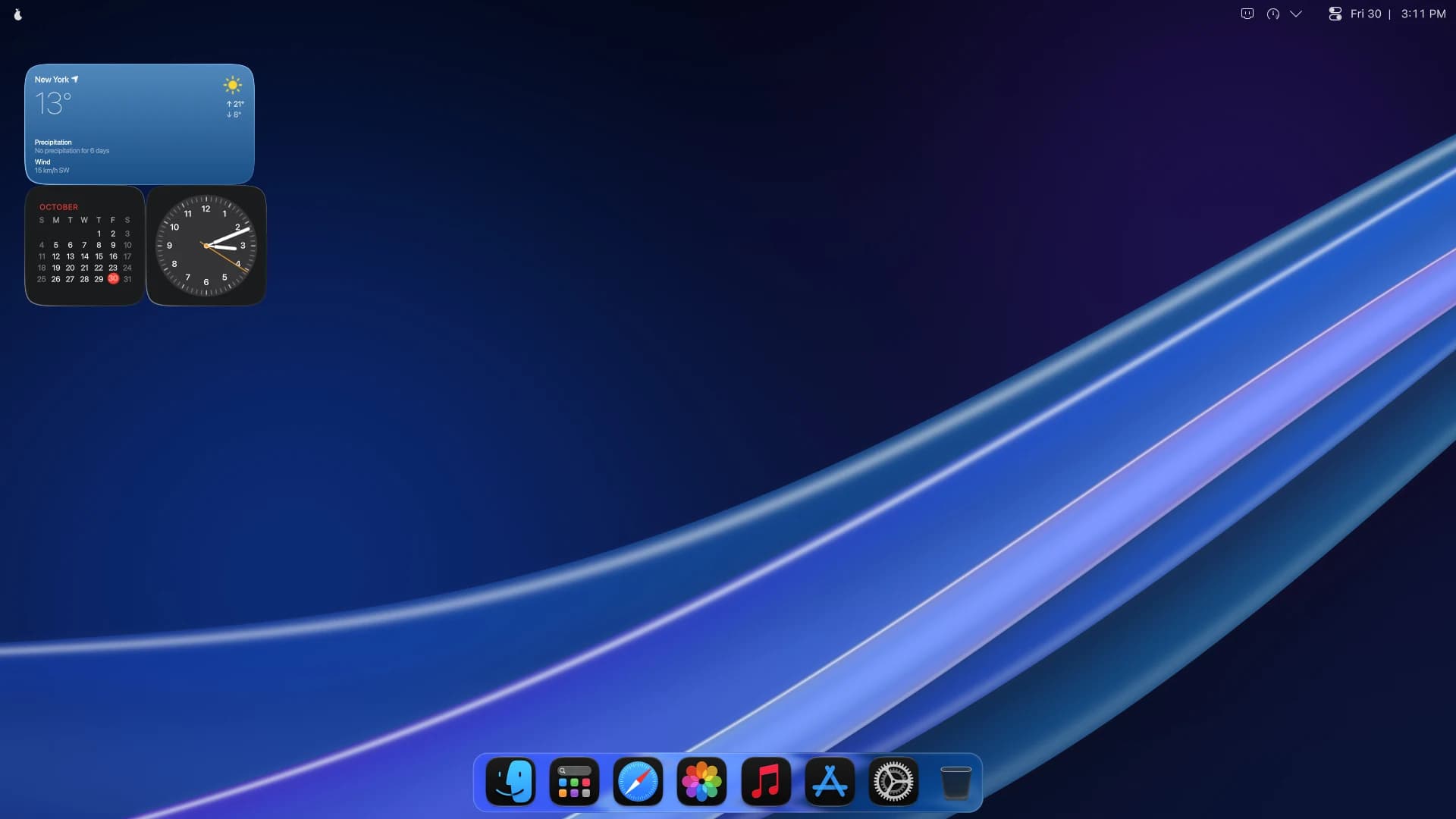
Light or Dark. Both gorgeous.
Pick one when you set up, and change your mind from Control Center whenever you like. The menu bar, the Dock, your windows and your apps all follow.
Drag across the picture to compare.
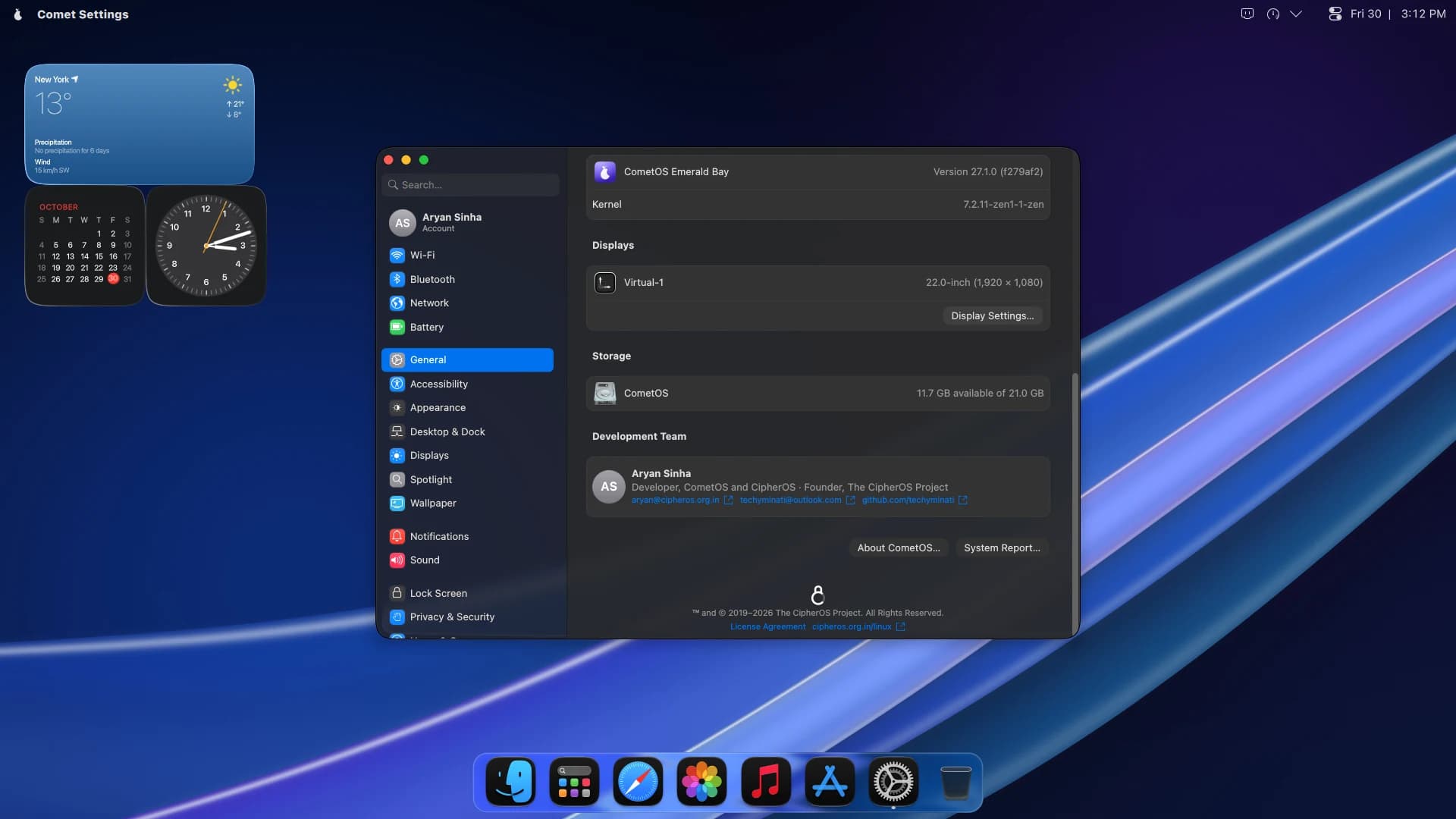
Instantly at home.
A menu bar along the top, a Dock along the bottom, and every control right where your hands expect it. Nothing to learn, so you get straight to work.
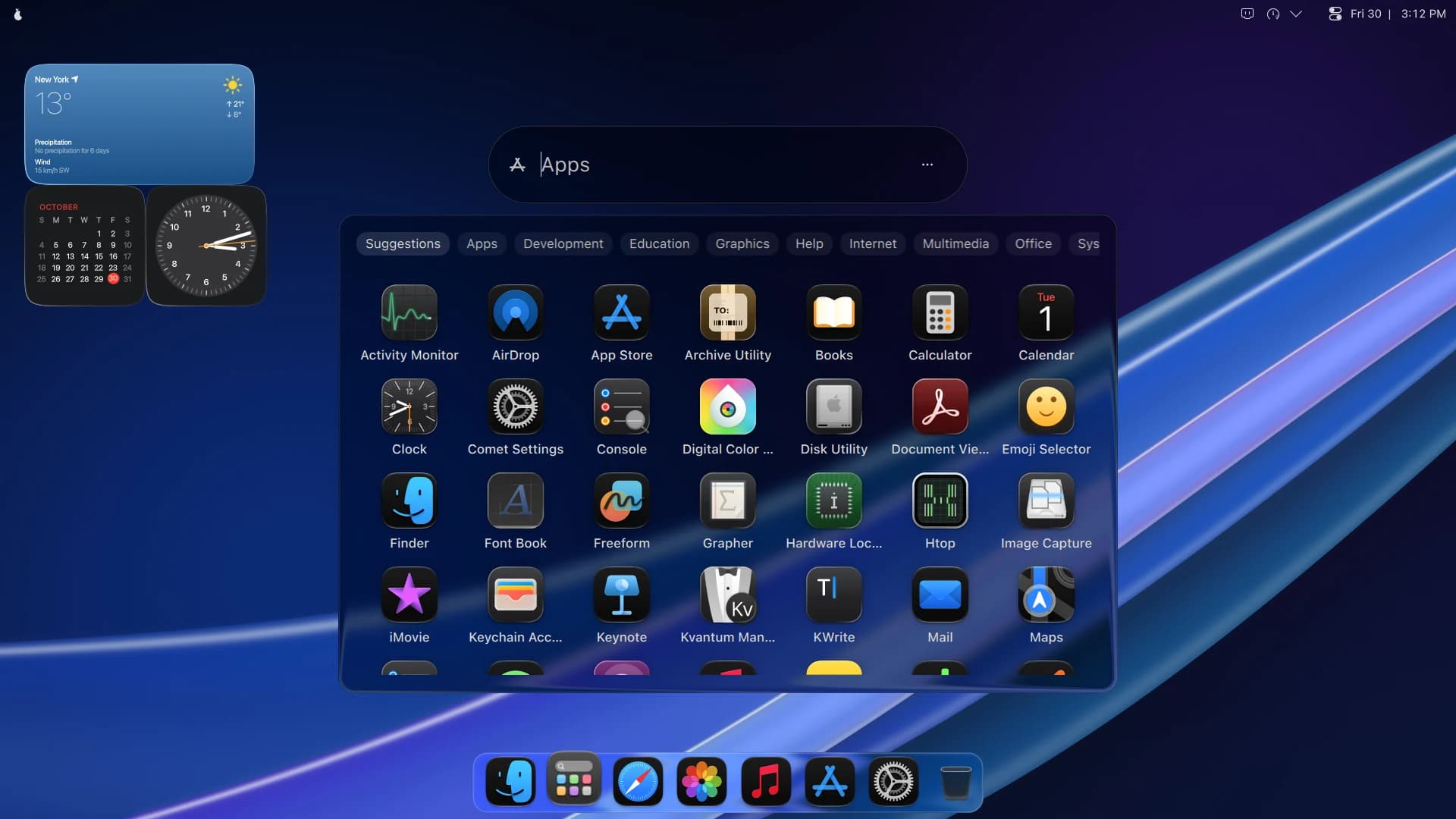
Every app, one click away.
Launchpad lays out everything you have, full screen, with search and categories. Or press Meta and Space and just type.
The controls you
reach for most.
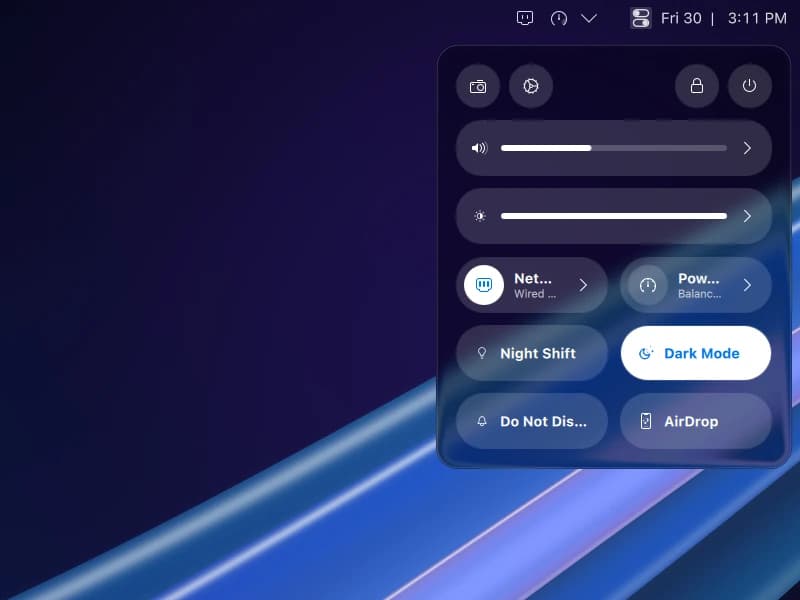
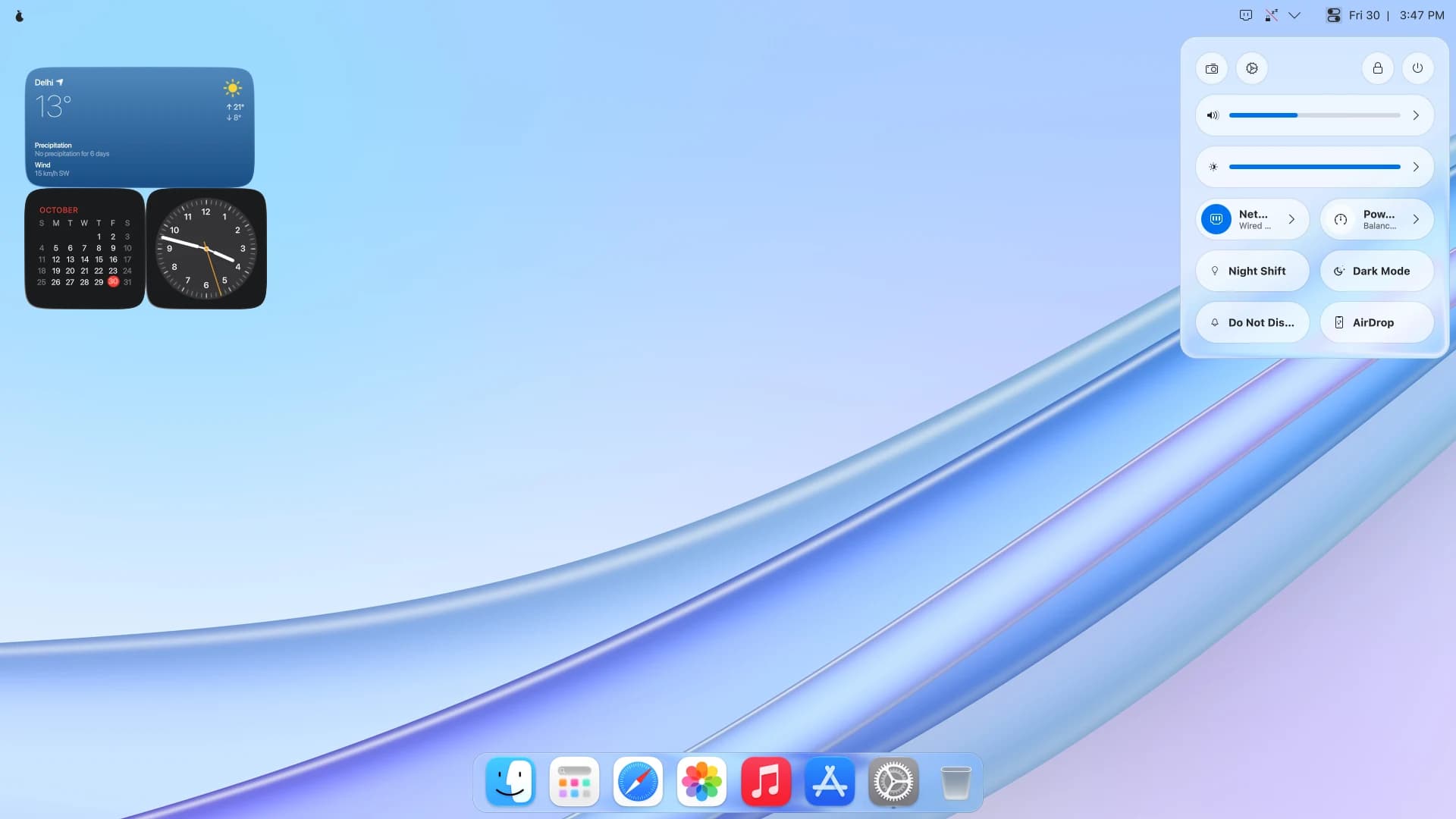
Sound and brightness, network and power, Night Shift, Dark Mode and Do Not Disturb. All of it in Control Center, one click from anywhere.
Performance
Quick. And it
stays quick.
Every app in CometOS is native, and the system under them is tuned from the kernel up. The result is a desktop that answers the moment you ask, and keeps on answering.
What each app brings with it
Native app
Every app in CometOS
Electron app
Common elsewhere
Electron apps in CometOS
None
Native apps.
Not web pages.
Plenty of desktops lean on Electron apps: each one a web page carrying a browser engine of its own, and that is where the lag comes from. CometOS ships none of them. Every app is native, so it opens sooner, scrolls smoother, and leaves your memory for the work you are doing.
Up to
0GB
of swap in compressed memory, matched to yours. Far faster than any disk.
Animations
0%
shorter, so windows open, close and minimise sooner.
At most
0s
for a stuck service to hold up a shutdown.
Memory pressure
Back to normal
- Browser, 41 tabs
- 9.4 GBClosed
- Video editor
- 2.1 GB
- 640 MB
- Music
- 310 MB
Your desktop
Still responsive
One runaway app.
Not a frozen desktop.
When memory runs short, CometOS closes the one app using the most of it, before it can take the whole desktop down with it. Everything else carries on.
Tuned from the kernel up.
A kernel built for desktop responsiveness. Compressed memory in place of a slow swap file. A disk scheduler matched to every kind of drive, and big copies that don’t stall the desktop. You will not see any of it. You will feel all of it.
Tuned for the desktop
CometOS
- Kernel
- linux-zen
- Swap
- zram, zstd, up to 8 GB
- NVMe drives
- No scheduler in the way
- SSDs and cards
- mq-deadline
- Hard disks
- BFQ
- Out of memory
- systemd-oomd
- Animations
- A quarter shorter
Glass that knows your hardware.
No graphics acceleration? The glass and rounded corners step aside on their own, and come back the moment it returns.
Search that stays quiet.
Files are found by name, so nothing grinds through your documents in the background.
Folders that open faster.
Folder and file details stay cached longer, so the places you visit are ready when you get there.
Figures are CometOS’s own settings, taken from its source. They are not benchmark results.
Setup
Hello, in a minute.
From the first glow of the guava to your own desktop, CometOS asks only what it needs. Light or Dark, the terms, your account. Then a short tour, and you are home.
1Starting up
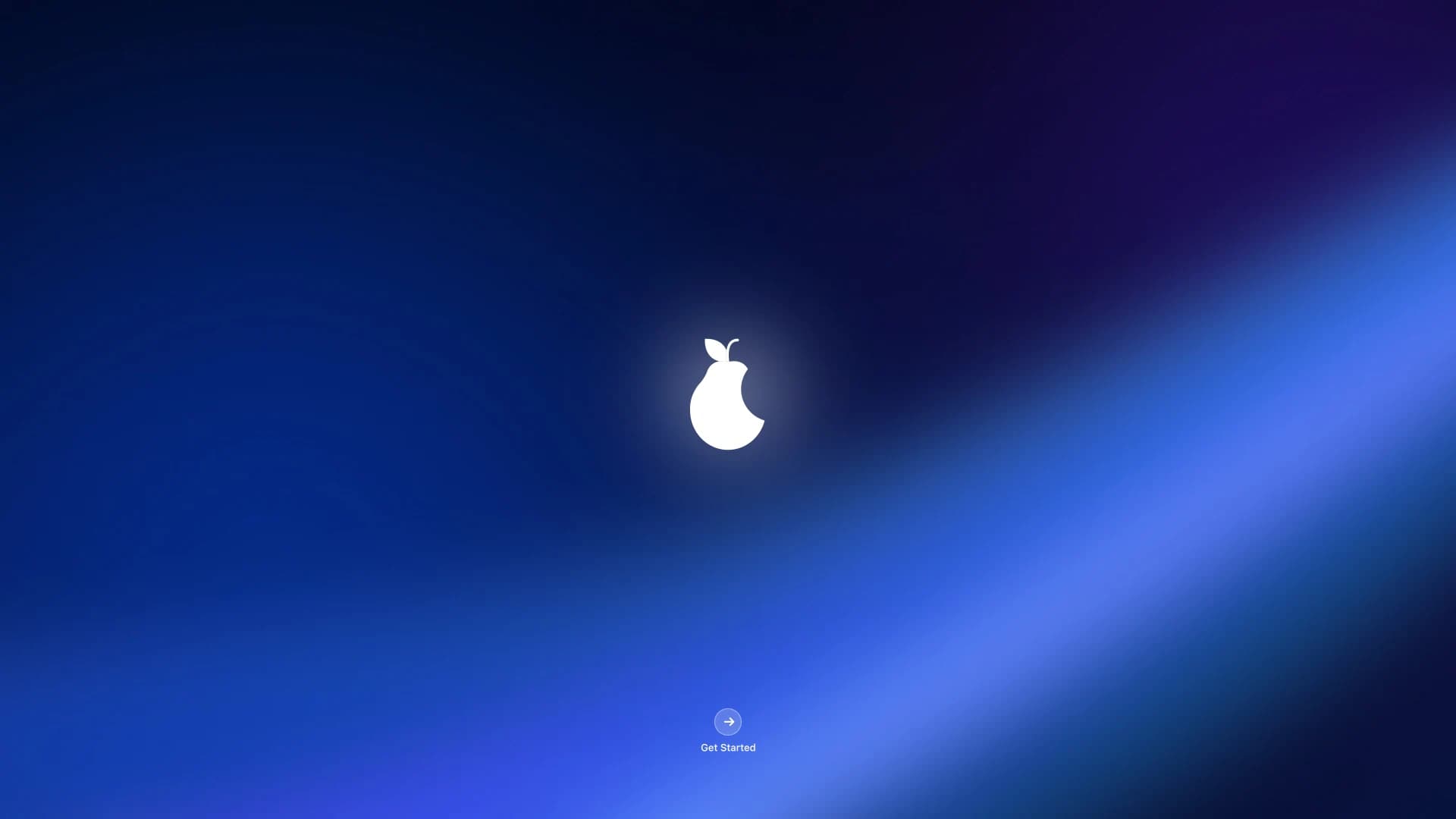
2Hello
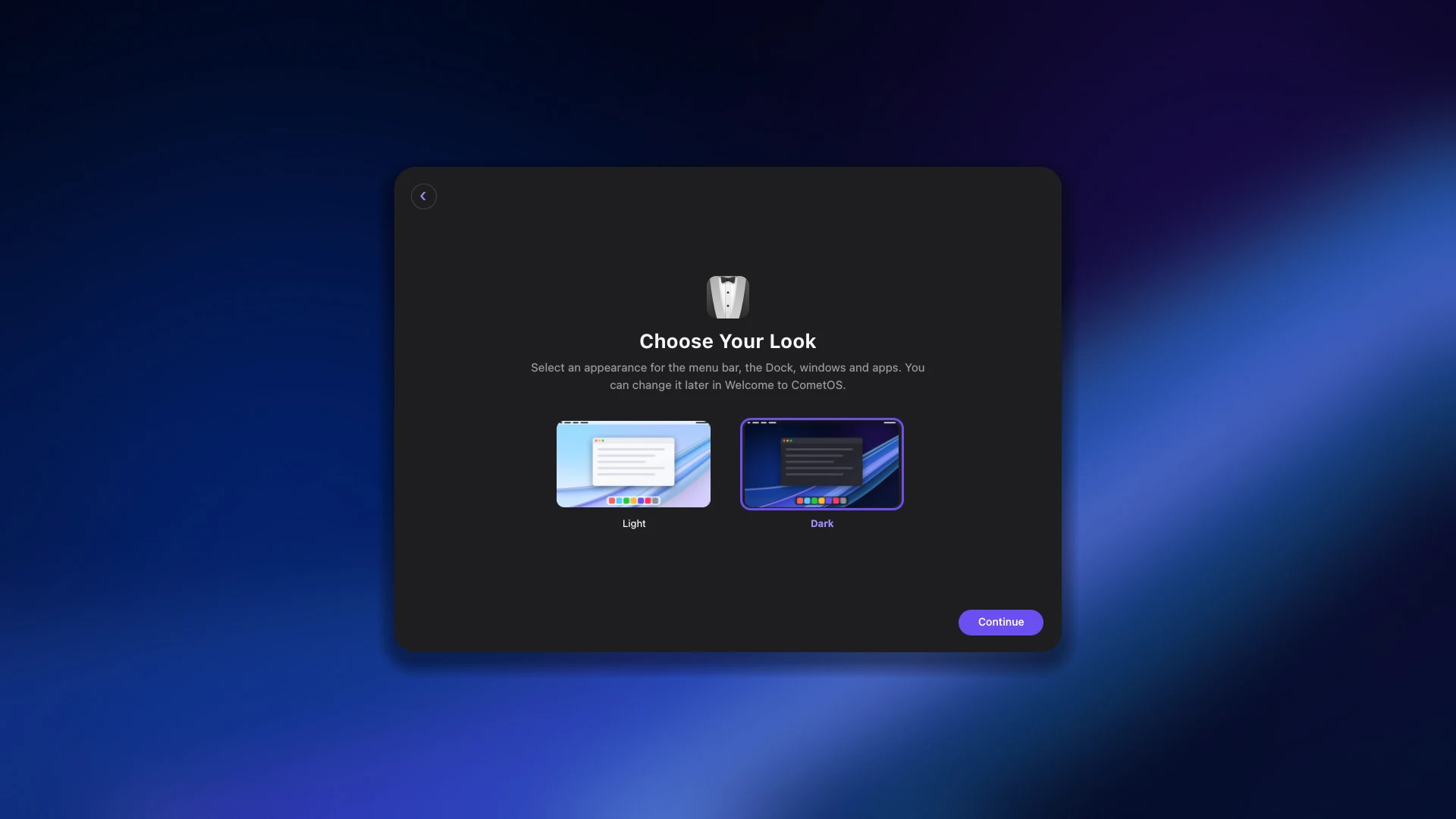
3Choose your look
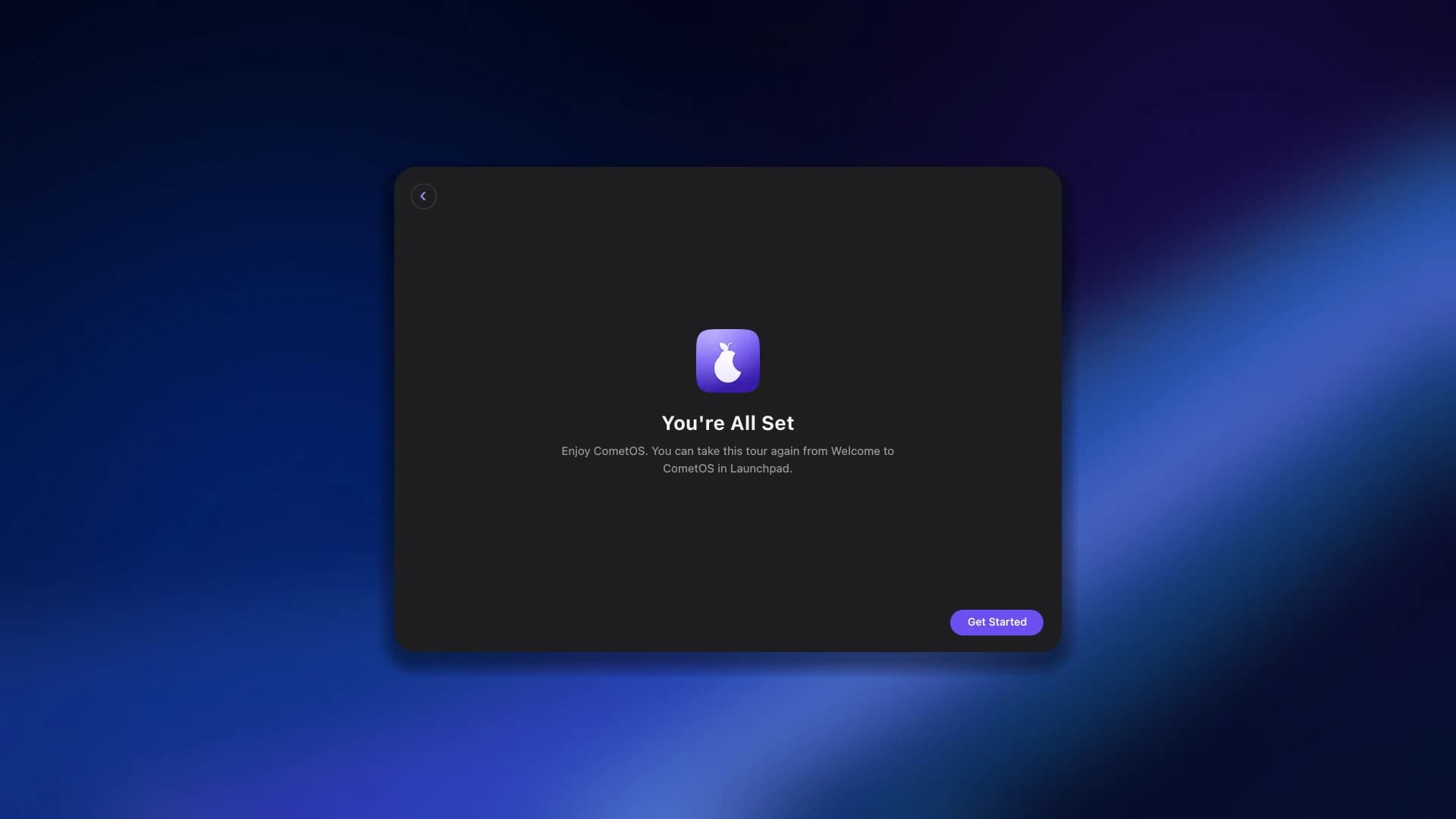
4You’re all set
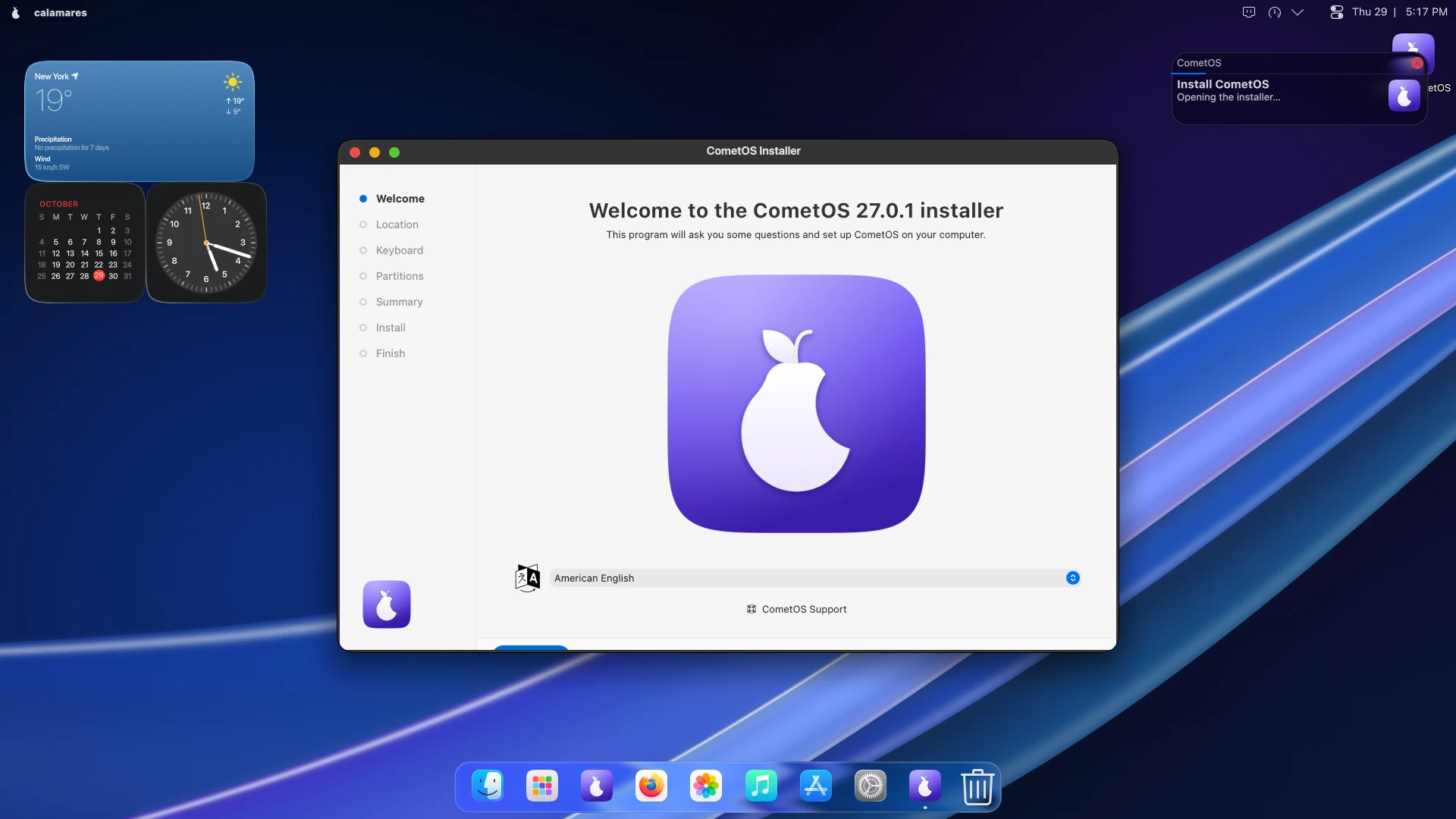
Try it. Then keep it.
CometOS runs straight from the USB stick, so you can live with it before you commit. When you are ready, Install CometOS is waiting in the Dock, and it keeps the account you already made.
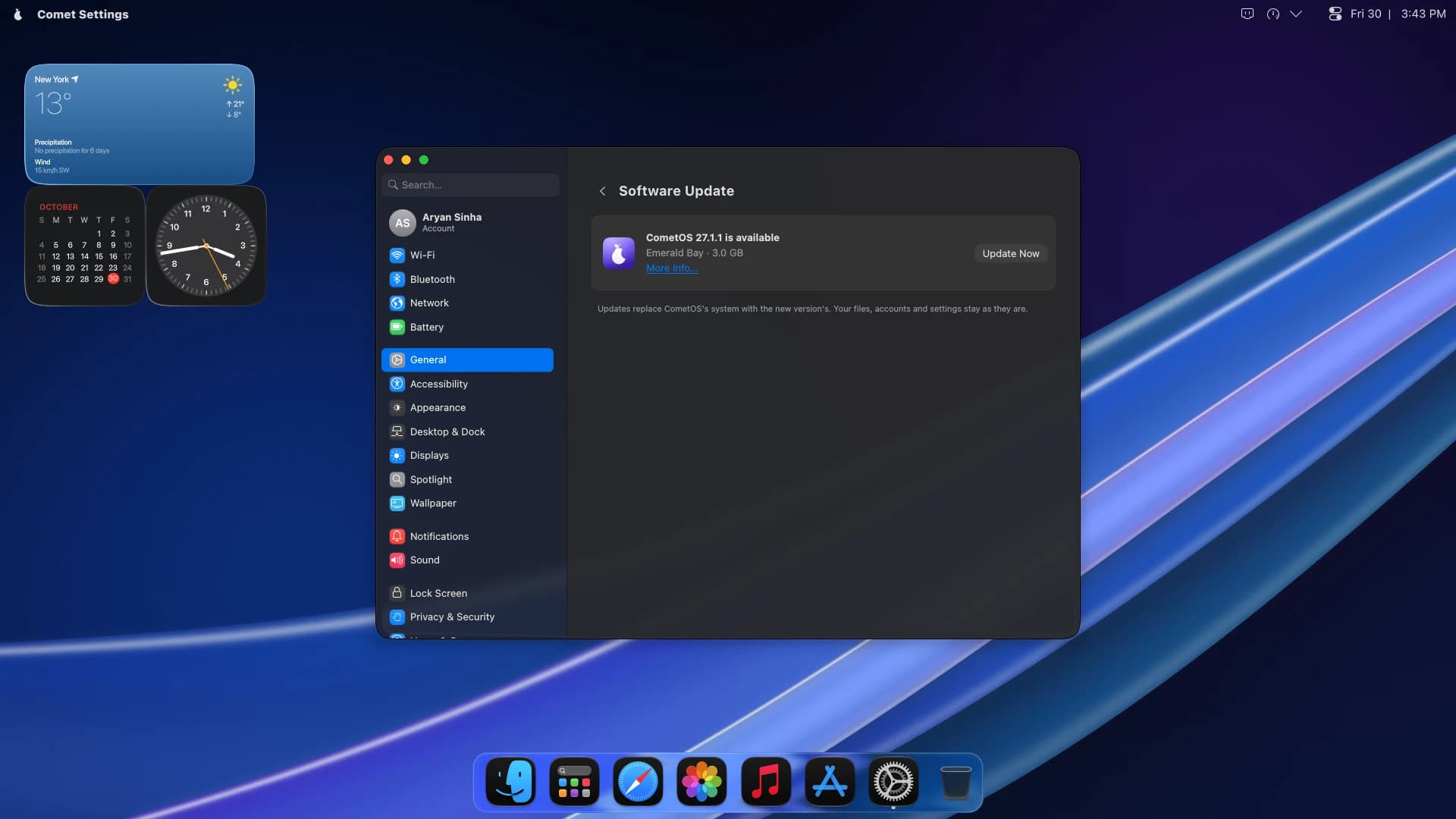
Updates without the reinstall.
Software Update brings the next CometOS in place, and More Info tells you what is new before you say yes. Downloads pick up where they left off if your connection drops. Your files, accounts and settings stay exactly where they were.
Apps
Everything you need,
from day one.
A browser, mail, an office suite, photos, music and more, installed and matched to the system. Thousands more from Flathub, in the App Store.
Web browser
Fast, with your tabs right in the title bar.
Mail, calendar and contacts
All three, in one place.
Documents, spreadsheets and slides
Opens the files your colleagues send.
Photos
Browse, view and touch up your pictures.
Music and podcasts
Your library, and every show you follow.
Video editing
A multi-track timeline, ready for real projects.
Notes
Quick notes, kept on your computer.
Maps and weather
Where you are going, and what it is like there.
Files
Press Space on any file to preview it.
Scheduled backups
Versioned copies of your home folder, on a schedule.
App Store
Thousands more apps, and their updates.
Terminal
Dark by default, for when you want it.
Your phone, on your computer.
Send files both ways. Copy on one, paste on the other. See your phone’s notifications and battery from your desktop. Pair an Android phone with the KDE Connect app, and that is all it takes.
Privacy
Your computer is
Your computer.
No ads. No account. No telemetry. Setting up CometOS creates an account on your computer, and nowhere else.
What CometOS sends home
bytes of telemetry,
to us or to anyone else
- Telemetry
- None
- Crash reports
- None
- Advertising
- None
- An account with us
- None
The details
Under the glass.
Rolling updates through the pacman package manager. One command keeps your whole system current, and it never needs a reinstall.
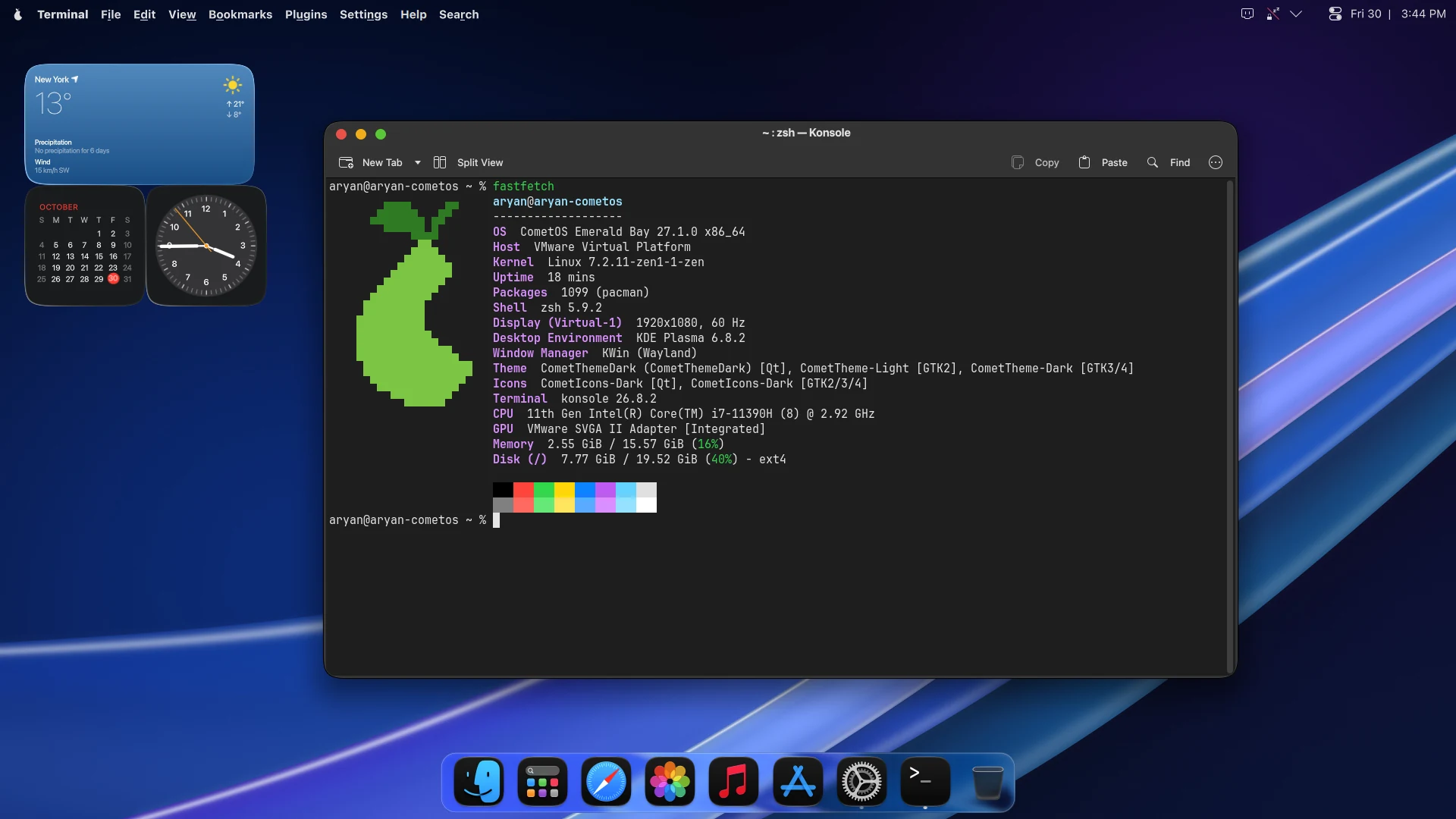
- Release
- Emerald Bay
- Status
- Early Access
- Powered by
- CipherOS
- Available now
- x86_64, on 64-bit Intel and AMD
- Coming soon
- Raspberry Pi and ARM64
- Kernel
- linux-zen
- Package manager
- pacman, with rolling updates
- Desktop
- KDE Plasma 6, on Wayland
- Needs
- 4 GB of memory and 30 GB of disk
- Starts from
- UEFI or BIOS
- Apps
- Native, plus the App Store with Flathub
- Download
- 3.0 GB
- Licence
- GNU GPL v3
Gallery
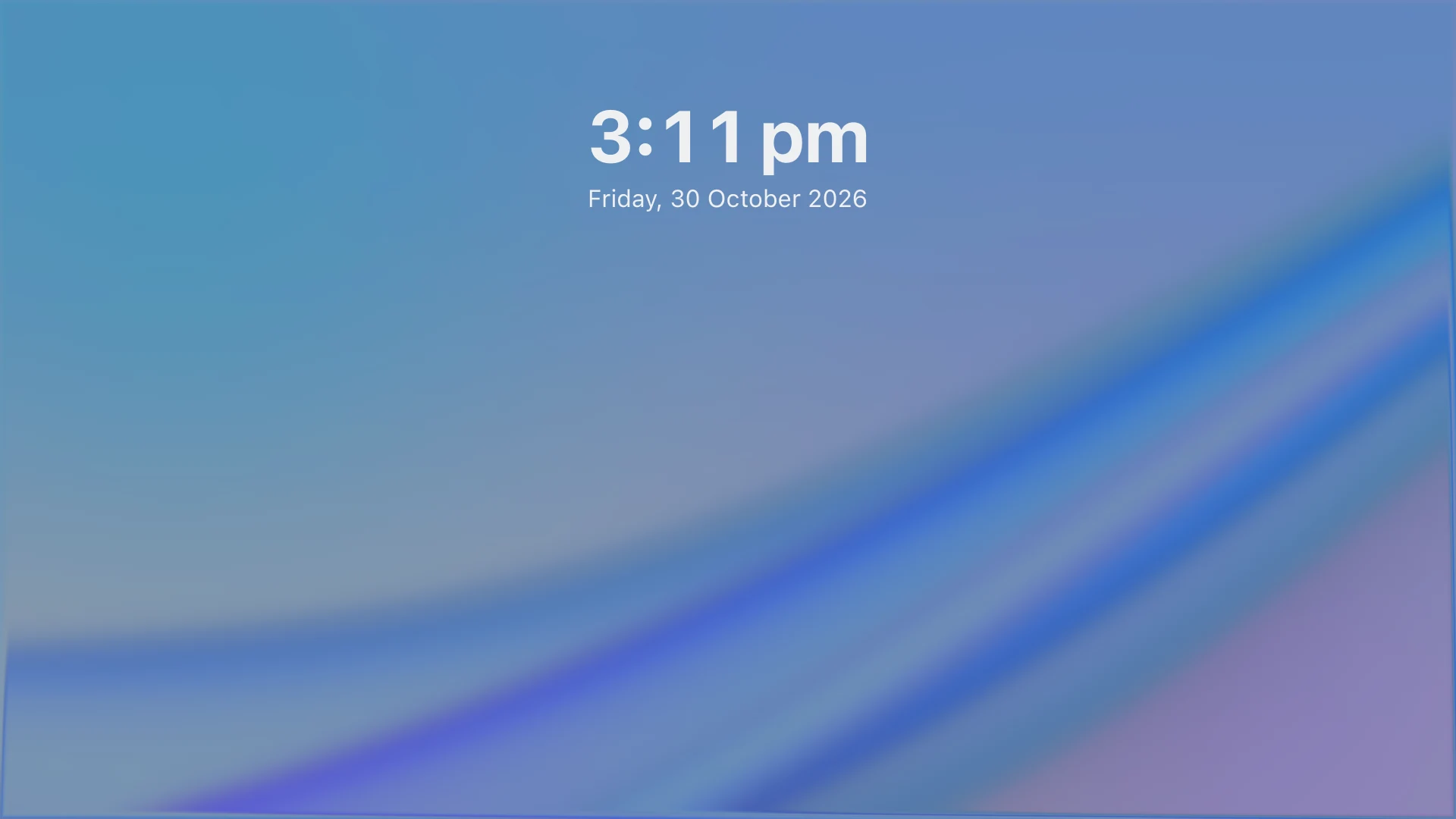
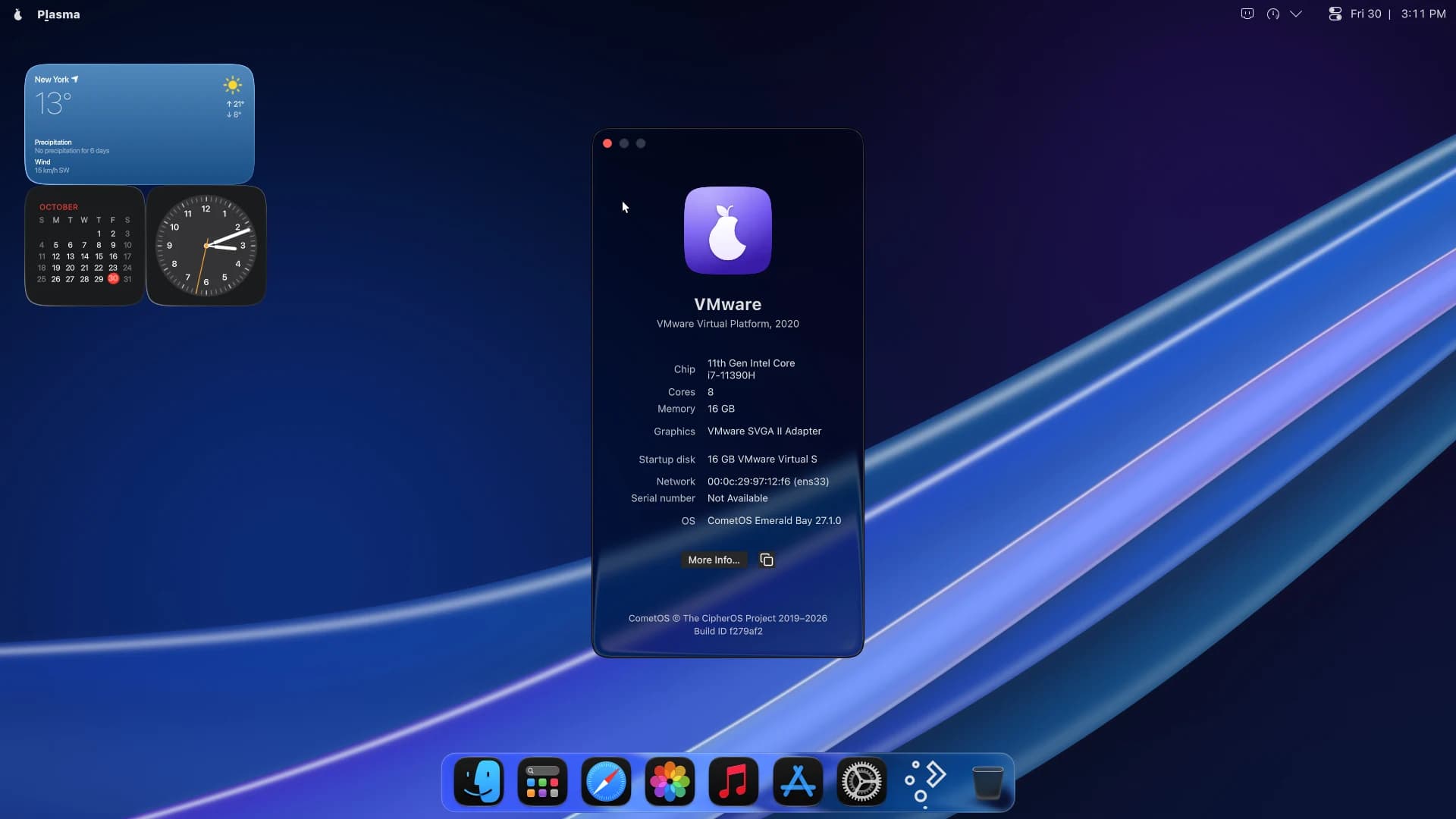
See every screen.
Make your computer
feel new again.
Try it from a USB stick first. Nothing changes until you choose Install. Available now for x86_64, with Raspberry Pi and ARM64 coming soon.
CometOS is Powered by CipherOS.
CometOS is not affiliated with, or endorsed by, Arch Linux, KDE e.V. or Apple Inc. Mac is a trademark of Apple Inc. KDE and Plasma are trademarks of KDE e.V.